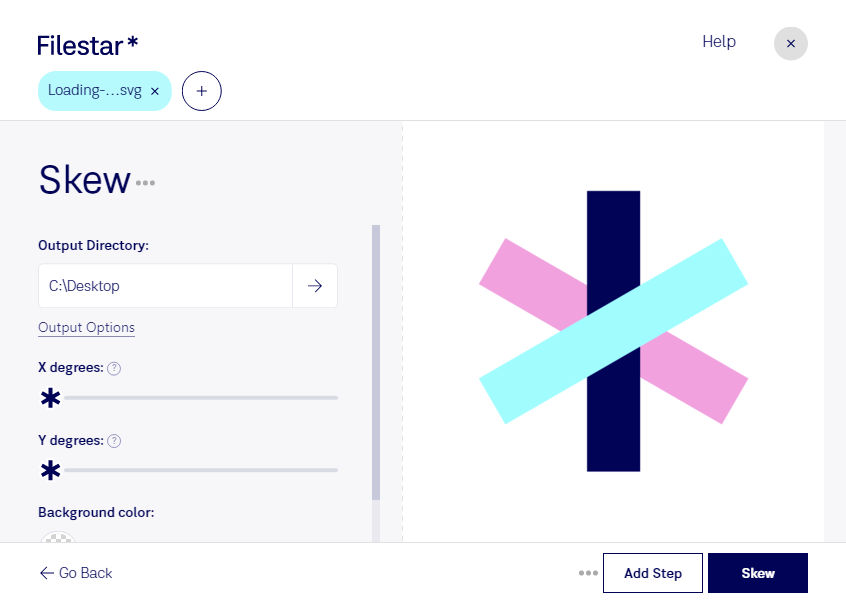
Skew SVG
Filestar's skew SVG conversion and processing software is the perfect tool for professionals looking to manipulate vector image files. With bulk conversion and operation capabilities, this software allows for efficient handling of large volumes of files. Whether you're working on Windows or OSX, Filestar's skew SVG software is designed to meet your needs.
One of the main advantages of using Filestar's skew SVG software is that it allows for local conversion and processing of your files. This means that you don't have to worry about your files being processed in the cloud, where there may be security concerns. By keeping your files on your local computer, you can rest assured that your data is safe and secure.
Professionals in a variety of industries can benefit from using skew SVG software. For example, designers can use the software to create unique and eye-catching graphics for their clients. Architects can use the software to create detailed and accurate blueprints and schematics. Engineers can use the software to create precise technical drawings. Regardless of your profession, if you work with vector image files, Filestar's skew SVG software can help you get the job done quickly and efficiently.
In conclusion, if you're looking for a reliable and efficient skew SVG conversion and processing software, look no further than Filestar. With its bulk conversion and operation capabilities, support for both Windows and OSX, and local processing capabilities, this software is the perfect tool for professionals looking to manipulate vector image files.