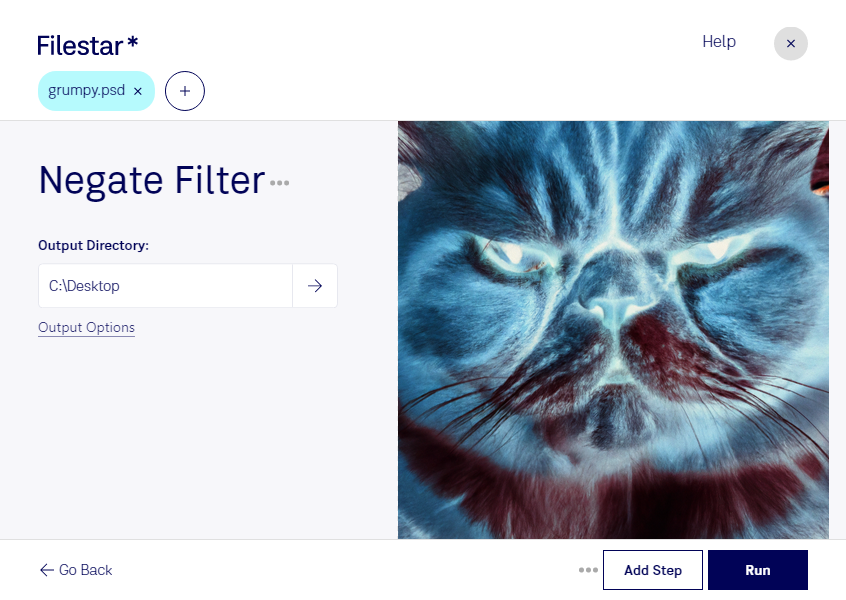
Negate psd filter

  1. Download and install the latest version of Filestar.

  2. Right click on one or more Psd file(s) on your desktop and select Convert with Filestar.

  3. Type negate filter in the search box.

  4. Press Run.

Or let an AI agent do it: filestarcli -i photo.psd -c "negate filter" (how).

negate psd filter

Let your AI agent negate PSD filter

Claude Code, Codex, Cursor and other agents can do this on your computer with Filestar. Your files stay on your machine.

Install Filestar and add it to your agents:

npm install -g filestar
filestarcli agent install

Then ask your agent:

“Use Filestar to negate PSD filter in my Downloads folder”

Or run it yourself:

filestarcli -i photo.psd -c "negate filter"

Runs on your computer, so your files stay on it. Works on Windows, macOS and Linux. 50 free conversions with the npm install, no account needed.

Can my AI agent negate PSD filter?

Yes. Install the Filestar CLI with npm install -g filestar and your agent can run filestarcli -i photo.psd -c "negate filter" on your computer, so your files stay on it.

Using Filestar With AI Agents · Download SKILL.md

What is .psd?

Extension
.psd
Format
Binary
Category
Raster Image
Developer
Adobe Systems
Description
A PSD file is an image file created by Adobe Photoshop, a professional image-editing program often used to enhance digital photos and create web graphics. It is the native format used to save files in Photoshop. PSD files may include image layers, adjustment layers, layer masks, annotations, file information, keywords, and other Photoshop-specific elements. They are commonly created and shared among graphics professionals.
MIME Type
image/vnd.adobe.photoshop

Negate Psd Filter Today

Get started within minutes

Are you tired of manually converting your PSD files one by one? Filestar's negate PSD filter allows you to batch convert and process your PSD files quickly and efficiently. Our software runs on both Windows and OSX, making it accessible to a wide range of professionals.

One example of a professional who might find negate PSD filter useful is a graphic designer who needs to convert a large number of PSD files to a different file format for a client. With Filestar, they can easily convert all the files at once, saving time and increasing productivity.

Another benefit of using Filestar is that all conversions and processing are done locally on your computer. This means that your data is kept safe and secure, without the risk of it being compromised in the cloud.

In addition to negate PSD filter, Filestar offers a wide range of other features and filters to help you convert and process your files with ease. Our software allows for bulk/batch conversion/operations, saving you time and effort.

In conclusion, if you're looking for a reliable and efficient way to convert and process your PSD files, look no further than Filestar's negate PSD filter. Try it out today and see the difference it can make for your workflow. Don't hesitate to reach out to us if you have any questions or need support.