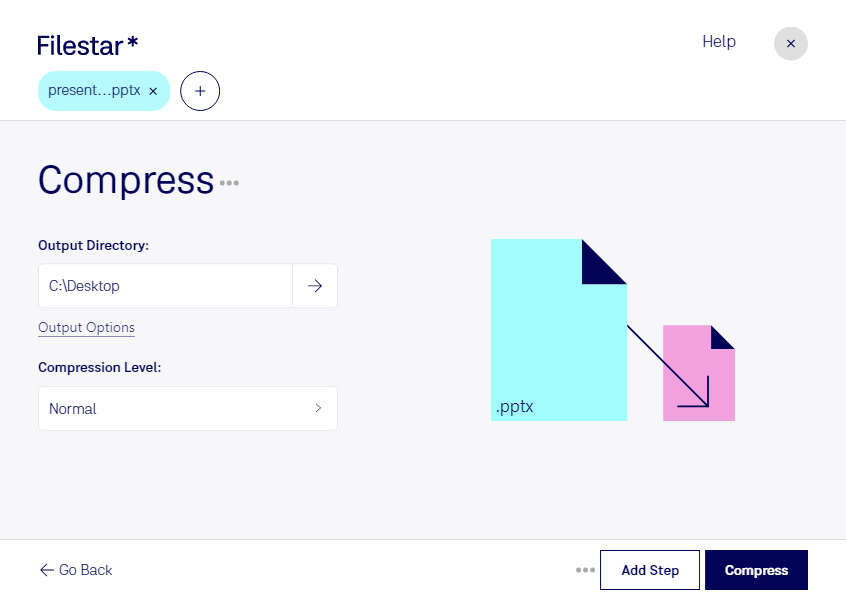
Compress pptx

  1. Download and install the latest version of Filestar.

  2. Right click on one or more Pptx file(s) on your desktop and select Convert with Filestar.

  3. Type compress in the search box.

  4. Press Compress.

Or let an AI agent do it: filestarcli -i file.pptx -c "compress" (how).

compress pptx

Let your AI agent compress PPTX

Claude Code, Codex, Cursor and other agents can do this on your computer with Filestar. Your files stay on your machine.

Install Filestar and add it to your agents:

npm install -g filestar
filestarcli agent install

Then ask your agent:

“Use Filestar to compress PPTX in my Downloads folder”

Or run it yourself:

filestarcli -i file.pptx -c "compress"

Runs on your computer, so your files stay on it. Works on Windows, macOS and Linux. 50 free conversions with the npm install, no account needed.

Can my AI agent compress PPTX?

Yes. Install the Filestar CLI with npm install -g filestar and your agent can run filestarcli -i file.pptx -c "compress" on your computer, so your files stay on it.

Using Filestar With AI Agents → · Download SKILL.md

What is .pptx?

Extension
.pptx
Format
Binary
Category
Presentation
Developer
Microsoft
Description
A PPTX file is a presentation file created by Microsoft PowerPoint or another presentation program, such as OpenOffice Impress or Apple Keynote. It contains a collection of slides, including their text, images, formatting, animations, drawn objects, and other media. PPTX files are commonly used in business meetings, marketing applications, and academic classroom settings.
MIME Type
application/vnd.openxmlformats-officedocument.presentationml.presentation

Compress Pptx Today

Get started within minutes

Compress PPTX Files with Filestar - Local and Secure

Filestar's PPTX compressor is a powerful tool that allows you to compress your PowerPoint presentation files quickly and efficiently. With the ability to perform bulk/batch operations, you can compress multiple files at once, saving you time and effort.

Whether you are a business professional, a student, or a teacher, compressing your PPTX files can be useful in many ways. For example, it can make it easier to send large files via email or upload them to a website. Additionally, it can help you save space on your computer or storage device.

Filestar runs on both Windows and OSX, so you can use our software no matter which operating system you prefer. And because our software does not require an internet connection, you can convert and process your files locally on your computer, ensuring that your data remains secure.

Converting and processing your files locally on your computer is also more secure than using cloud-based solutions. When you use cloud-based solutions, your data is stored on servers owned by the service provider, which can be vulnerable to cyber attacks or data breaches. With Filestar, you can keep your data safe by processing it locally on your own computer.

In conclusion, if you need to compress your PPTX files, Filestar's PPTX compressor is the perfect tool for the job. With the ability to perform bulk operations, run on both Windows and OSX, and keep your data secure by processing it locally on your computer, you can trust Filestar to get the job done quickly and safely. Get in touch with us today to learn more.