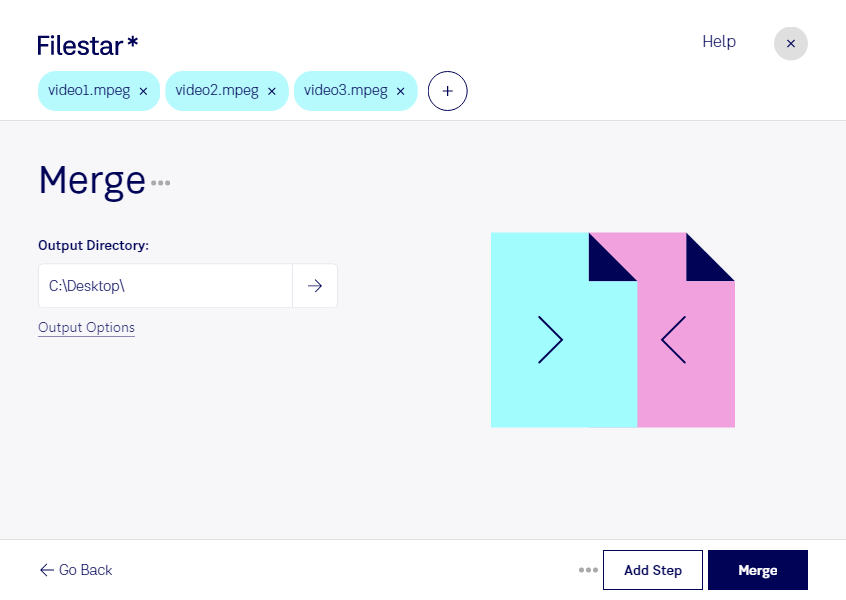
Are you looking for a way to merge multiple MPEG video files into one? With Filestar's bulk video conversion tool, you can easily merge MPEG files and create a seamless video experience. Our software runs on both Windows and OSX, making it accessible to a wide range of professionals.
Merge MPEG is a valuable tool for professionals in the video editing and production industry. It allows you to combine multiple video files into one, making it easier to manage and edit your footage. Whether you're working on a feature film, a corporate video, or a YouTube channel, Merge MPEG can help streamline your workflow and save you time.
One of the benefits of using Filestar's Merge MPEG tool is that you can perform batch operations. This means you can merge multiple MPEG files at once, saving you even more time and effort. And because Filestar runs locally on your computer, you don't have to worry about uploading your videos to the cloud or risking the security of your files.
Converting and processing your videos locally on your computer is also more safe than using an online converter. With Filestar, you can rest assured that your files are secure and protected. Plus, our software is easy to use and intuitive, so you don't need to be a tech expert to merge MPEG files like a pro.
In conclusion, if you're looking for a reliable and efficient way to merge MPEG video files, look no further than Filestar. Our bulk video conversion tool is perfect for professionals who need to manage large amounts of video footage quickly and easily. Try it out today and see the difference for yourself.