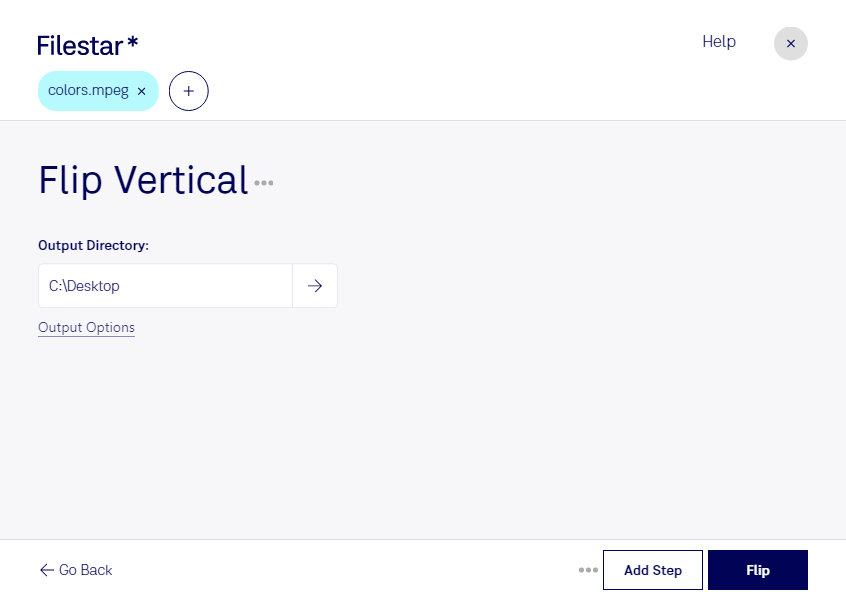
Flip mpeg vertical

  1. Download and install the latest version of Filestar.

  2. Right click on one or more Mpeg file(s) on your desktop and select Convert with Filestar.

  3. Type flip vertical in the search box.

  4. Press Flip.

Or let an AI agent do it: filestarcli -i file.mpeg -c "flip vertical" (how).

flip mpeg vertical

Let your AI agent flip MPEG vertical

Claude Code, Codex, Cursor and other agents can do this on your computer with Filestar. Your files stay on your machine.

Install Filestar and add it to your agents:

npm install -g filestar
filestarcli agent install

Then ask your agent:

“Use Filestar to flip MPEG vertical in my Downloads folder”

Or run it yourself:

filestarcli -i file.mpeg -c "flip vertical"

Runs on your computer, so your files stay on it. Works on Windows, macOS and Linux. 50 free conversions with the npm install, no account needed.

Can my AI agent flip MPEG vertical?

Yes. Install the Filestar CLI with npm install -g filestar and your agent can run filestarcli -i file.mpeg -c "flip vertical" on your computer, so your files stay on it.

Using Filestar With AI Agents · Download SKILL.md

What is .mpeg?

Extension
.mpeg
Format
Binary
Category
Video
Developer
Moving Picture Experts Group
Description
Popular video format standardized by the Moving Picture Experts Group (MPEG); compressed using MPEG-1 or MPEG-2 compression; often used for creating movies that are distributed over the Internet.
MIME Type
video/mpeg

Flip Mpeg Vertical Today

Get started within minutes

Are you tired of watching your MPEG videos in the wrong orientation? With Filestar's flip MPEG vertical feature, you can quickly and easily rotate your MPEG videos to the correct orientation. This feature is perfect for anyone who needs to edit or view MPEG videos that were accidentally recorded in the wrong orientation.

One of the best things about Filestar's flip MPEG vertical feature is that it allows for bulk or batch operations. This means that you can flip the orientation of multiple MPEG videos at once, saving you valuable time and effort. Plus, since Filestar runs on both Windows and OSX, you can use it no matter what type of computer you have.

Professionals who work with MPEG videos, such as videographers, video editors, and filmmakers, will find flip MPEG vertical to be an indispensable tool. It allows them to quickly correct the orientation of their videos without having to waste time manually rotating each one.

Another benefit of using Filestar's flip MPEG vertical feature is that all file conversions and operations are done locally on your computer. This means that your data is safe and secure, and you don't have to worry about any potential privacy or security issues that can arise when using cloud-based converters.

In conclusion, if you need to flip the orientation of your MPEG videos quickly and securely, Filestar's flip MPEG vertical feature is the perfect tool for you. Try it out today and see how easy it is to convert your MPEG videos to the correct orientation.