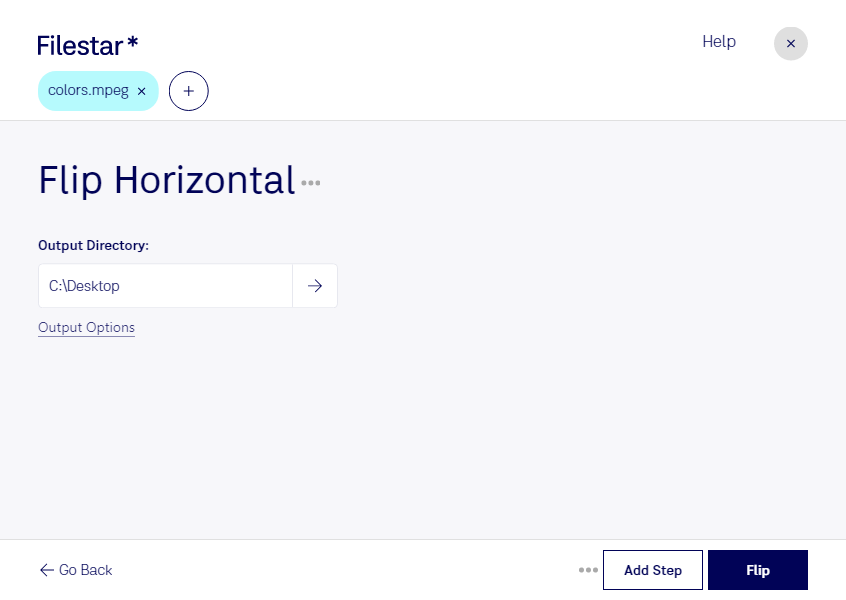
Flip MPEG Horizontal with Filestar - The Perfect Solution for Bulk Operations
If you're looking for a reliable and efficient way to flip your MPEG video files horizontally, look no further than Filestar. Our software is designed to make bulk/batch conversion/operations a breeze, so you can quickly and easily process all of your files without any hassle.
One of the great things about Filestar is that it runs on both Windows and OSX, so no matter what type of computer you're using, you can take advantage of our powerful file conversion/processing capabilities. And with our flip MPEG horizontal feature, you can quickly and easily flip your MPEG video files to meet your specific needs.
Professionals in a variety of industries can benefit from our flip MPEG horizontal feature. For example, video editors can use it to correct footage that has been shot using the wrong orientation, while marketers can use it to create eye-catching social media content. And with Filestar's bulk/batch conversion/operations capabilities, you can process all of your files at once, saving you time and effort.
One of the biggest advantages of using Filestar to convert/process your files is that everything is done locally on your computer. This means that you don't have to worry about uploading your files to the cloud or using an online converter that may not be secure. With Filestar, you can convert/process your files with peace of mind, knowing that your data is safe and secure.
So if you're looking for a reliable and efficient way to flip your MPEG video files horizontally, try Filestar today. With our easy-to-use software and powerful conversion/processing capabilities, you can quickly and easily get the job done.