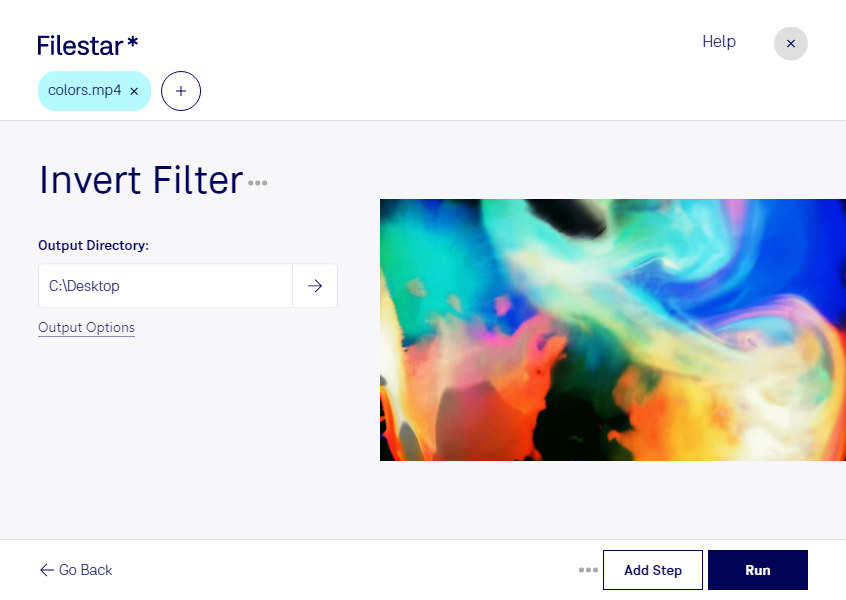
Invert mp4 filter

  1. Download and install the latest version of Filestar.

  2. Right click on one or more Mp4 file(s) on your desktop and select Convert with Filestar.

  3. Type invert filter in the search box.

  4. Press Run.

Or let an AI agent do it: filestarcli -i file.mp4 -c "invert filter" (how).

invert mp4 filter

Let your AI agent invert MP4 filter

Claude Code, Codex, Cursor and other agents can do this on your computer with Filestar. Your files stay on your machine.

Install Filestar and add it to your agents:

npm install -g filestar
filestarcli agent install

Then ask your agent:

“Use Filestar to invert MP4 filter in my Downloads folder”

Or run it yourself:

filestarcli -i file.mp4 -c "invert filter"

Runs on your computer, so your files stay on it. Works on Windows, macOS and Linux. 50 free conversions with the npm install, no account needed.

Can my AI agent invert MP4 filter?

Yes. Install the Filestar CLI with npm install -g filestar and your agent can run filestarcli -i file.mp4 -c "invert filter" on your computer, so your files stay on it.

Using Filestar With AI Agents · Download SKILL.md

What is .mp4?

Extension
.mp4
Format
Binary
Category
Video
Developer
Moving Picture Experts Group
Description
An MP4 file is a multimedia file commonly used to store a movie or video clip, but may also contain subtitles or images. MP4 is short for MPEG-4 Part 14, which is a container format based on the QuickTime File Format (QTFF) used by .MOV and .QT files.
MIME Type
video/mp4

Invert Mp4 Filter Today

Get started within minutes

Are you looking for an easy way to invert colors in your MP4 videos? Look no further than Filestar's Invert MP4 Filter. Our software allows for bulk conversion and processing of your video files, saving you time and effort. Plus, with the ability to run on both Windows and OSX, you can use it no matter what operating system you prefer.

But who might benefit from using the Invert MP4 Filter? Professionals in video editing, marketing, and more can use this feature to create unique and eye-catching content. For example, video marketers can use the Invert MP4 Filter to create attention-grabbing ads, while video editors can use it to add a creative touch to their projects.

One of the best things about using Filestar for your video processing needs is that everything is done locally on your computer. This means that your files are not uploaded to the cloud, keeping them safe and secure. Plus, with the ability to batch convert and process your files, you can save time and effort by processing multiple files at once.

In conclusion, if you're looking for an easy and efficient way to invert colors in your MP4 videos, Filestar's Invert MP4 Filter is the perfect solution. Try it out today and see how it can improve your video editing and marketing efforts.