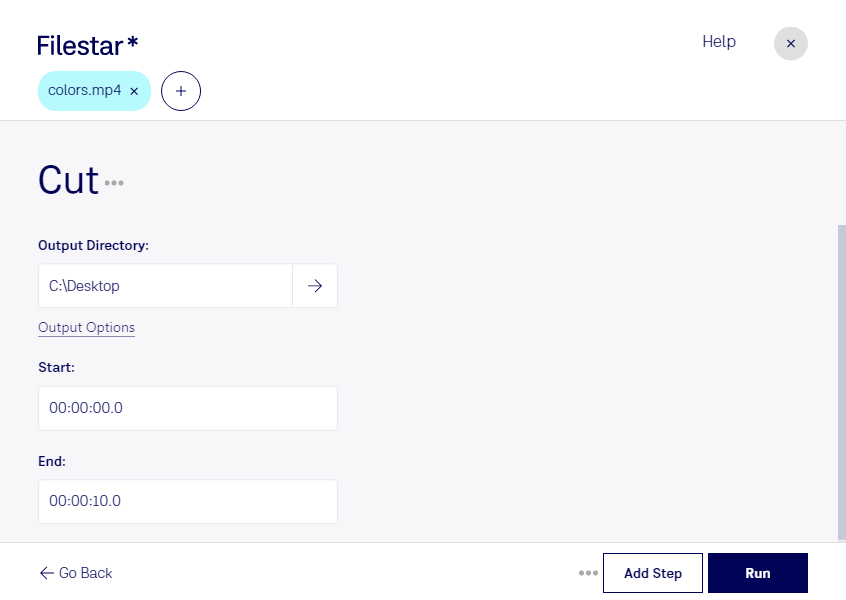
Are you looking for an easy and safe way to cut your MP4 videos? Look no further than Filestar. Our software allows you to perform bulk operations on your video files, including cutting them down to the perfect length. And the best part? Filestar runs on both Windows and OSX, so no matter what operating system you use, you can take advantage of our powerful features.
Cutting MP4 videos can be useful for a variety of professionals. Video editors can use our software to trim down raw footage before editing, while social media managers can cut longer videos into shorter clips for sharing on platforms like Instagram and TikTok. And with Filestar's batch processing capabilities, you can cut multiple videos at once, saving you time and effort.
But why process your MP4 videos locally on your computer instead of in the cloud? For one, it's more secure. When you process files in the cloud, you're entrusting your data to a third party. With Filestar, you can rest easy knowing that your files are safe and secure on your own computer. Plus, processing locally means faster speeds and no internet connection required.
In conclusion, if you're looking for a reliable and efficient way to cut your MP4 videos, try Filestar. With our easy-to-use software and batch processing capabilities, you'll be able to cut your videos down to size in no time. And with the added security of processing locally on your computer, you can trust that your files are in good hands. Get in touch with us today to learn more.