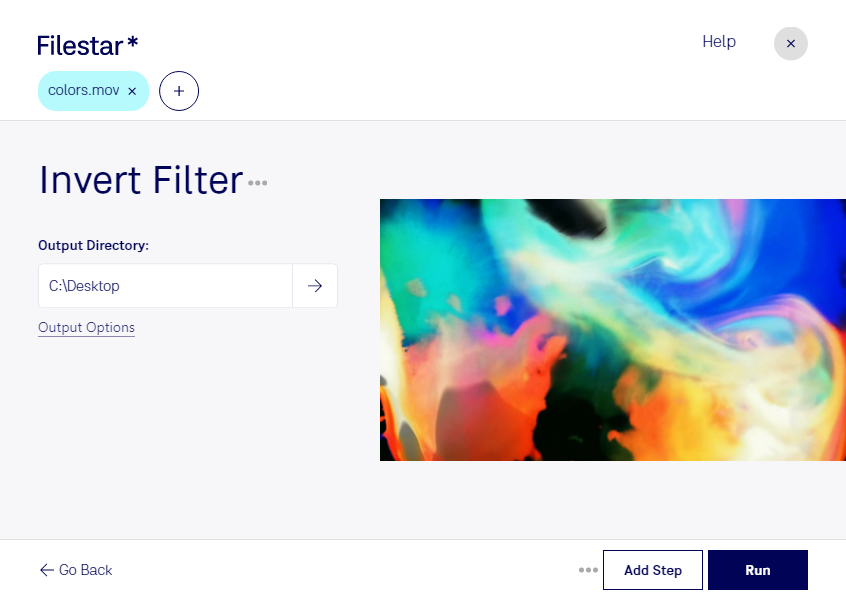
Are you looking for a tool to help you invert Apple QuickTime Movies in bulk? Look no further than Filestar's Invert MOV Filter. With this feature, you can quickly and easily convert multiple MOV files at once, saving you valuable time and effort.
Filestar is a powerful file conversion and processing software that runs locally on your computer, meaning you don't have to worry about your files being processed in the cloud. This ensures that your files remain safe and secure throughout the conversion process.
Invert MOV Filter is particularly useful for professionals in industries such as film and video production, where the ability to invert video footage can be crucial for achieving the desired effect. It can also be useful for individuals looking to invert personal videos for creative or personal reasons.
Whether you're working on a small project or a large-scale production, Filestar's Invert MOV Filter makes it easy to convert and process your MOV files in bulk. And with Filestar's user-friendly interface, you don't need to be a tech expert to get started.
So why wait? Try out Filestar's Invert MOV Filter today and see how it can streamline your file conversion and processing needs.