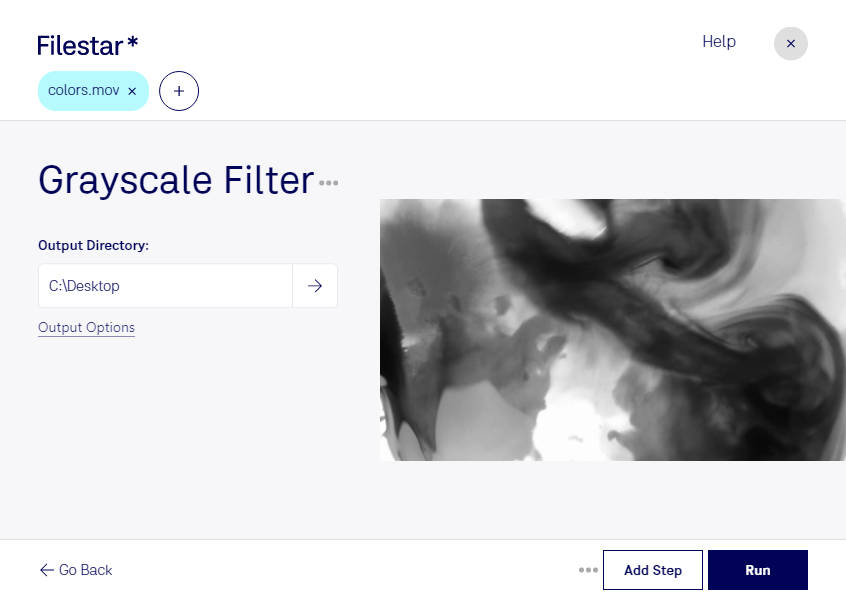
Grayscale mov filter

  1. Download and install the latest version of Filestar.

  2. Right click on one or more Mov file(s) on your desktop and select Convert with Filestar.

  3. Type grayscale filter in the search box.

  4. Press Run.

Or let an AI agent do it: filestarcli -i file.mov -c "grayscale filter" (how).

grayscale mov filter

Let your AI agent grayscale MOV filter

Claude Code, Codex, Cursor and other agents can do this on your computer with Filestar. Your files stay on your machine.

Install Filestar and add it to your agents:

npm install -g filestar
filestarcli agent install

Then ask your agent:

“Use Filestar to grayscale MOV filter in my Downloads folder”

Or run it yourself:

filestarcli -i file.mov -c "grayscale filter"

Runs on your computer, so your files stay on it. Works on Windows, macOS and Linux. 50 free conversions with the npm install, no account needed.

Can my AI agent grayscale MOV filter?

Yes. Install the Filestar CLI with npm install -g filestar and your agent can run filestarcli -i file.mov -c "grayscale filter" on your computer, so your files stay on it.

Using Filestar With AI Agents · Download SKILL.md

What is .mov?

Extension
.mov
Format
Binary
Category
Video
Developer
Apple
Description
A MOV file is a common multimedia container file format developed by Apple and compatible with both Macintosh and Windows platforms. It may contain multiple tracks that store different types of media data and is often used for saving movies and other video files. MOV files commonly use the MPEG-4 codec for compression.
MIME Type
video/quicktime

Grayscale Mov Filter Today

Get started within minutes

Are you a professional in film, photography, or design looking to convert your Apple QuickTime Movies to black and white? Look no further than the Grayscale MOV Filter in Filestar. With this powerful software, you can easily convert your videos to grayscale in bulk, saving you time and effort.

Filestar runs on both Windows and OSX, so no matter what operating system you use, you can take advantage of this feature. And because the software allows for bulk conversion, you can process multiple videos at once, making it perfect for professionals who need to work on large projects.

But why choose to convert or process your files locally on your computer instead of in the cloud? The answer is simple: security. When you process your files locally, you have complete control over them. You don't have to worry about your files being intercepted or stolen during the conversion process. This is especially important for professionals who deal with sensitive or confidential information.

So if you're looking for a powerful and secure way to convert your Apple QuickTime Movies to black and white, look no further than the Grayscale MOV Filter in Filestar. With its easy-to-use interface and powerful features, it's the perfect solution for professionals in film, photography, and design. Try it today and see the difference for yourself!