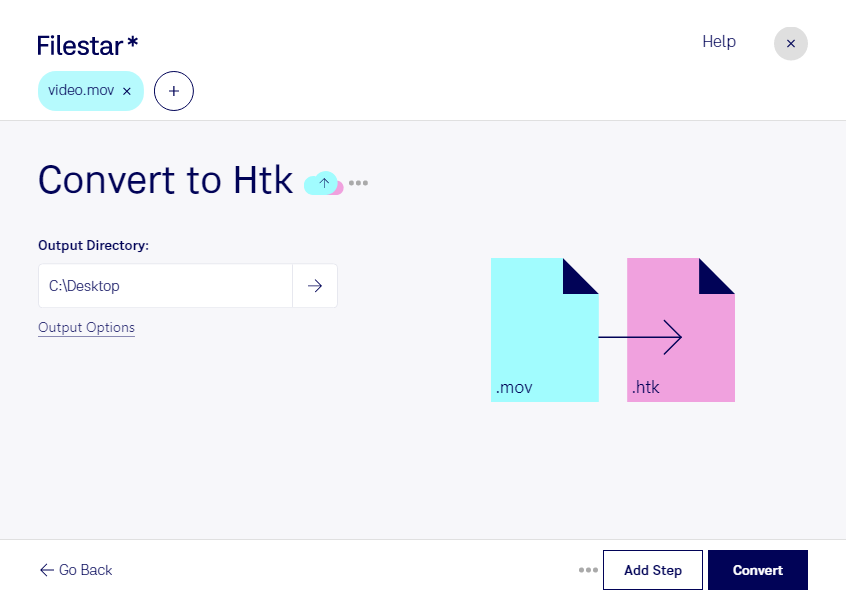
Are you a professional working with speech recognition, machine learning, or audio analysis? If so, you might need to convert MOV video files to HTK audio files. With Filestar, you can perform this conversion locally on your computer, without the need for an internet connection.
Filestar is a powerful file conversion and processing software that allows for bulk/batch conversion/operations. You can convert multiple MOV files to HTK files at once, saving time and effort. And the best part? Filestar runs on both Windows and OSX, so you can use it no matter which operating system you prefer.
Converting and processing files locally on your computer is also more secure than doing it in the cloud. You don't have to worry about your files being intercepted or compromised during the transfer process. With Filestar, you can rest assured that your files are safe and secure.
So, whether you're a researcher working on speech recognition algorithms, a data scientist analyzing audio data, or a machine learning engineer training models, Filestar can help you convert MOV to HTK files quickly and easily. Try it out today and see how it can streamline your workflow.
Remember, with Filestar, you're in control of your files. Get in touch with us to learn more about how we can help you with your file conversion and processing needs.