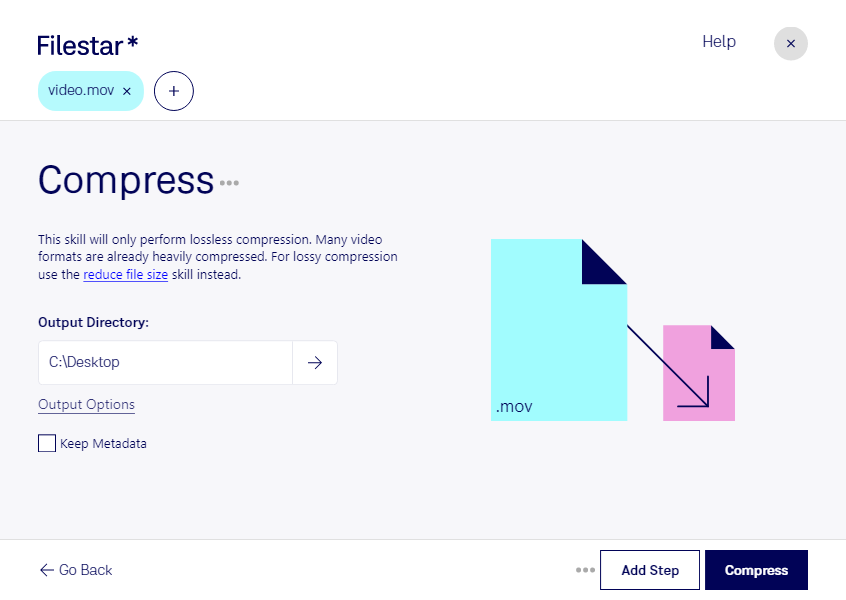
Are you tired of dealing with large MOV files that take up too much space on your computer? Filestar's file conversion and processing software can help you compress MOV files quickly and securely. Our software allows for bulk/batch conversion/operations, so you can compress dozens of files at once.
Filestar's software runs on both Windows and OSX, making it accessible to a wide range of professionals. For example, video editors who work with MOV files can use Filestar to compress their files and free up space on their hard drives. Photographers who use MOV files for time-lapse photography can also benefit from compressing their files to save space.
One of the benefits of using Filestar for compressing MOV files is that you can convert/process locally on your computer, which is more safe than using cloud-based services. When you convert/process files in the cloud, you run the risk of your files being intercepted or accessed by unauthorized individuals. With Filestar, you can rest assured that your files are safe and secure on your own computer.
In conclusion, if you're looking for a fast and secure way to compress your MOV files, Filestar's software is the perfect solution. With bulk/batch conversion/operations and local processing, you can quickly and easily compress your files without compromising their safety. Try it out today and see the difference for yourself!