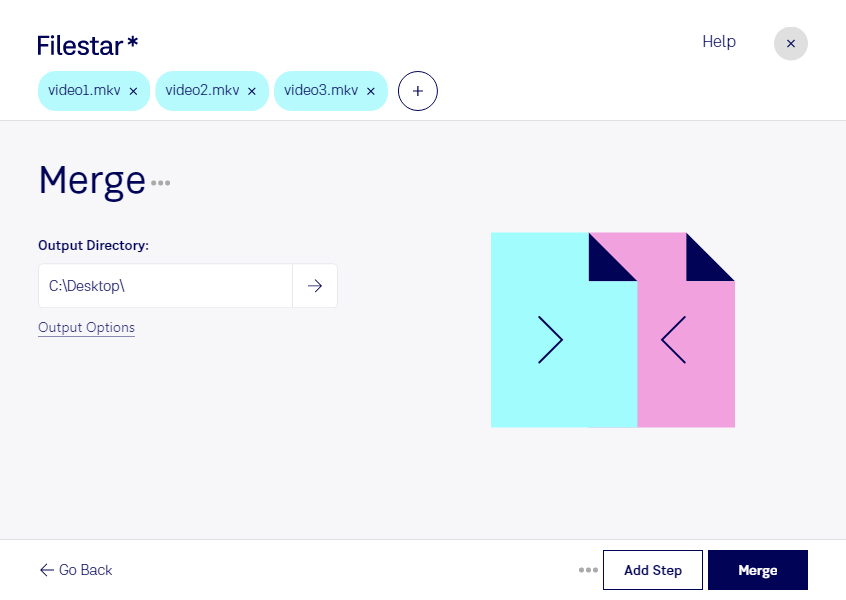
Are you looking for a way to merge multiple MKV video files into one? Look no further than Filestar. Our software allows you to easily merge MKV files with just a few clicks, saving you time and effort.
With Filestar, you can also perform bulk/batch conversions and other operations on your video files. This is especially useful for professionals who work with video files on a regular basis, such as video editors, content creators, and filmmakers.
One of the advantages of using Filestar is that all conversions and processing are done locally on your computer, rather than in the cloud. This means that your files are more secure and you have more control over the process.
Filestar is available for both Windows and OSX, so no matter what platform you use, you can take advantage of our powerful features. Whether you're merging MKV files or converting other video formats, Filestar makes it easy.
So why wait? Download Filestar today and start merging your MKV files with ease.