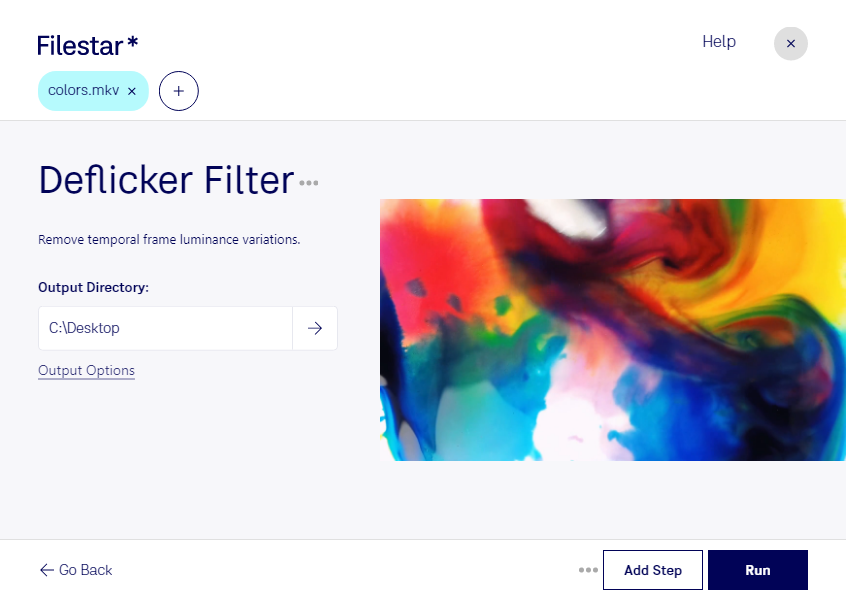
Deflicker mkv filter

  1. Download and install the latest version of Filestar.

  2. Right click on one or more Mkv file(s) on your desktop and select Convert with Filestar.

  3. Type deflicker filter in the search box.

  4. Press Run.

  5. Or let an AI agent do it: filestarcli -i file.mkv -c "deflicker filter" (how).

deflicker mkv filter

Let your AI agent deflicker MKV filter

Claude Code, Codex, Cursor and other agents can do this on your computer with Filestar. Your files stay on your machine.

Install Filestar and add it to your agents:

npm install -g filestar
filestarcli agent install

Then ask your agent:

“Use Filestar to deflicker MKV filter in my Downloads folder”

Or run it yourself:

filestarcli -i file.mkv -c "deflicker filter"

Runs on your computer, so your files stay on it. Works on Windows, macOS and Linux. 50 free conversions with the npm install, no account needed.

Can my AI agent deflicker MKV filter?

Yes. Install the Filestar CLI with npm install -g filestar and your agent can run filestarcli -i file.mkv -c "deflicker filter" on your computer, so your files stay on it.

Using Filestar With AI Agents → · Download SKILL.md

What is .mkv?

Extension
.mkv
Format
Binary
Category
Video
Developer
Matroska
Description
An MKV file is a video container format similar to the .AVI, .ASF, and .MOV formats. It supports several types of audio and video codecs and may include .SRT, .SSA, or .USF (Universal Subtitle Format) subtitles. MKV files also support VobSub subtitles from DVDs.
MIME Type
video/x-matroska

Deflicker Mkv Filter Today

Get started within minutes

Are you tired of videos with distracting flicker? The Deflicker MKV Filter in Filestar is the solution you've been looking for. This powerful software allows you to easily remove flicker from your Matroska Video files, resulting in smooth and professional-looking videos.

One of the great benefits of the Deflicker MKV Filter is that it allows for bulk/batch operations. This means that you can process multiple videos at once, saving you valuable time and effort. And because Filestar runs on both Windows and OSX, you can use this feature no matter what operating system you prefer.

But who might find the Deflicker MKV Filter particularly useful? Professionals in fields such as filmmaking, videography, and video editing can benefit greatly from this tool. For example, if you've shot a time-lapse video and notice that the lighting changes throughout the footage, the Deflicker MKV Filter can help you smooth out those changes and create a seamless final product.

It's also worth noting that using Filestar to convert and process your videos locally on your computer is more secure than using an online converter. With Filestar, you can rest assured that your files are not being uploaded to the cloud, where they could potentially be accessed by others. This is especially important if you're working with sensitive or confidential footage.

In conclusion, if you're looking to remove flicker from your Matroska Video files, the Deflicker MKV Filter in Filestar is the perfect tool for the job. Download Filestar today and start enjoying smooth, professional-looking videos.