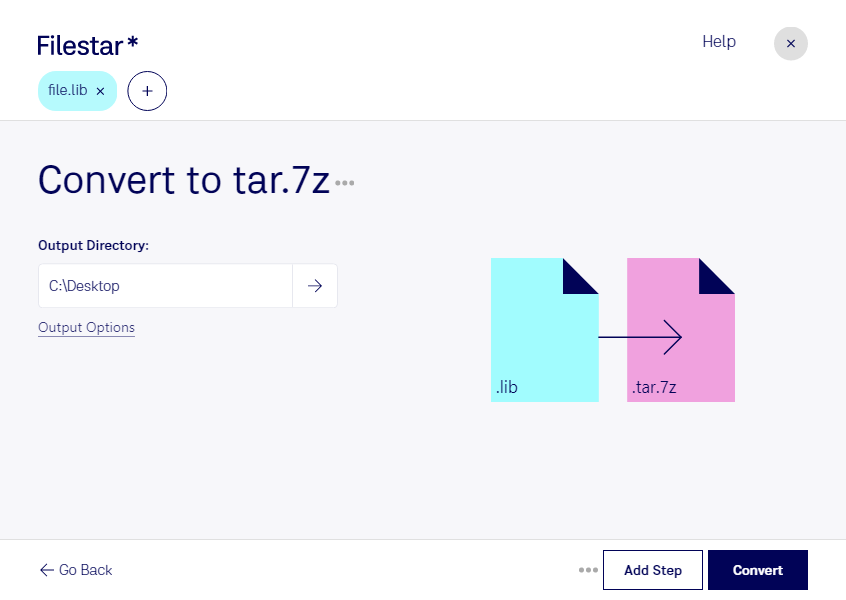
- Extension
- .lib
- .tar.7z
- Format
- Binary
- Binary
- Category
- Developer
- Compressed
- Developer
- GNU
- Igor Pavlov
- Description
- A file with the .lib extension primarily represents a Generic Data Library, commonly used in various software development environments. The .lib file typically contains a collection of object code modules, symbols, and metadata that programs or compilers can reference or link to during the compilation or linking phase of software development. These libraries serve as repositories of reusable code, allowing developers to include standard functions, classes, or routines in their programs without having to rewrite common or complex functionalities from scratch.
- This format works based on the LZMA principle compression algorithm. It was originally used in 7-Zip archives. tar.7z archives were created for storing info about file owners and for ease of use in Unix systems, based on a TAR archiving tool.
- MIME Type
- application/x-sharedlib
- application/x-7z-compressed