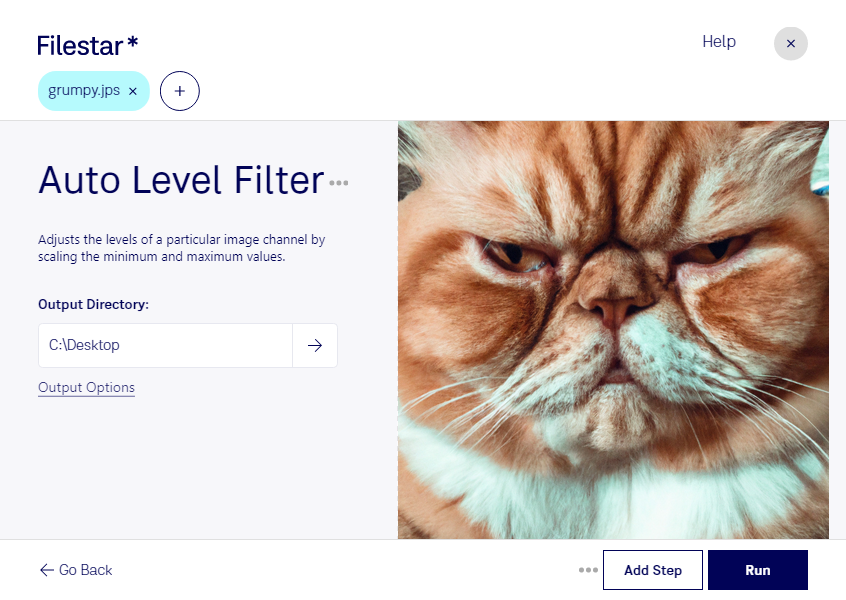
Auto Level JPS Filter in Filestar is a powerful tool for processing and converting Stereo JPEG Images. With its bulk conversion capabilities, you can easily process multiple JPS files at once, saving you time and effort. The software runs on both Windows and OSX, making it accessible to a wide range of users.
Professionals in fields such as photography, graphic design, and architecture can benefit greatly from Auto Level JPS Filter. For example, photographers can use the filter to enhance the depth and dimensionality of their images. Graphic designers can use it to create 3D effects in their designs, while architects can use it to visualize their designs in 3D.
One of the key benefits of using Filestar for JPS image processing is that all conversions and operations are performed locally on your computer. This ensures that your files remain safe and secure, and you don't have to worry about sensitive data being uploaded to the cloud. Additionally, local processing ensures that you can work on your files even when you don't have an internet connection.
In conclusion, Auto Level JPS Filter in Filestar is a valuable tool for anyone looking to process and convert Stereo JPEG Images. With its bulk conversion capabilities, cross-platform compatibility, and local processing, it provides a quick and efficient way to work with JPS files. Whether you're a photographer, graphic designer, or architect, Auto Level JPS Filter can help you achieve your goals. Get in touch with us today to learn more!