Convert jpg to six

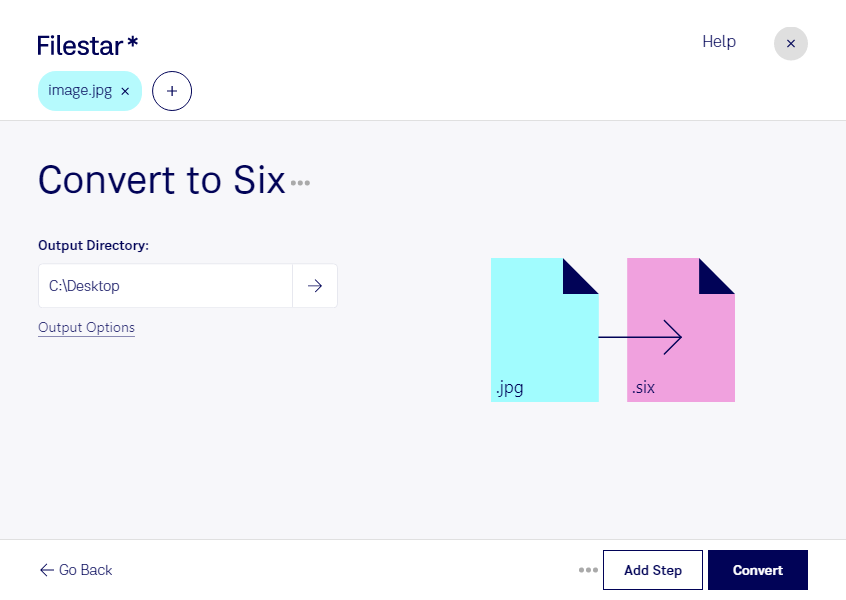
  1. Download and install the latest version of Filestar.

  2. Right click on one or more Jpg file(s) on your desktop and select Convert with Filestar.

  3. Type convert to six in the search box.

  4. Press Convert.

convert jpg to six

What is the difference between .jpg and .six?

Extension
.jpg
.six
Format
Binary
Binary
Category
Raster Image
Raster Image
Developer
Joint Photographic Experts Group
Digital Equipment Corporation
Description
A JPG file is an image saved in a compressed image format standardized by the Joint Photographic Experts Group (JPEG). It is commonly used for storing digital photos and used by most digital cameras to save images. JPG files are among the most common image files along with .PNG, .TIF, and .GIF.
This is a bitmap graphics file format created for printers and terminals by Digital Equipment Corporation (DEC). It is another extension of the SIXEL file.
MIME Type
image/jpeg
image/x-sixel

Convert Jpg To Six Today

Get started within minutes

Are you looking for a reliable tool to convert your JPG images to Six format? Look no further than Filestar's batch image conversion software. With just a few clicks, you can convert multiple files at once, saving you time and effort.

Filestar's software runs locally on your computer, ensuring your files are processed safely and securely. No need to upload your sensitive images to an online converter, risking potential security breaches.

This tool is perfect for professionals who need to convert large amounts of images quickly and efficiently. For example, graphic designers who work with DEC terminals may need to convert their JPG images to Six format to ensure compatibility.

Whether you're a professional or a casual user, Filestar's batch image conversion software is the perfect solution for converting your JPG images to Six format. Try it out today and see the difference for yourself.

Last updated