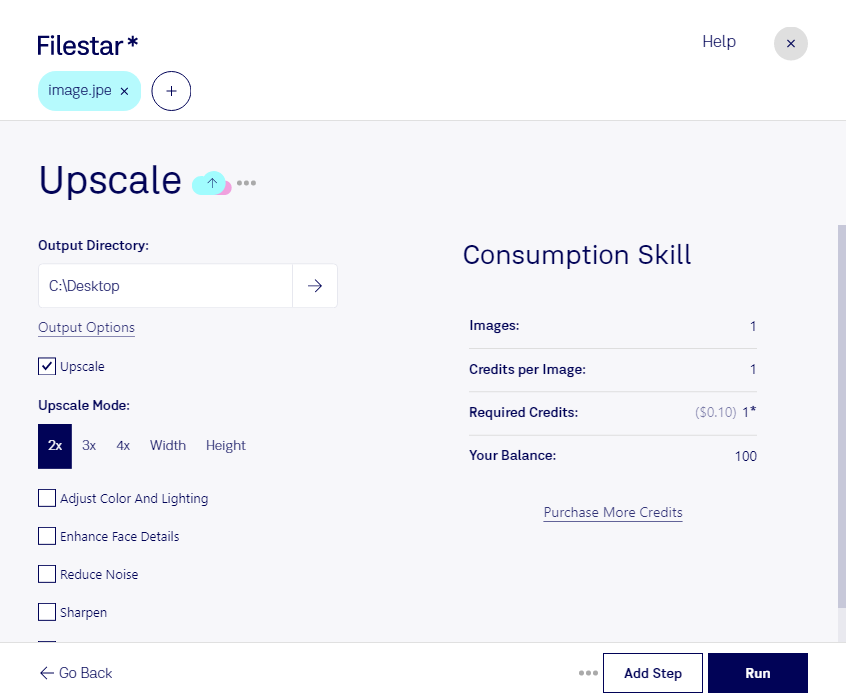
Upscale JPE Image Conversion with Filestar
If you're a professional in photography or design, you know that the quality of your images is crucial. That's why we created Filestar, a software that allows you to upscale JPE images to achieve the highest quality possible. With our bulk processing feature, you can convert and upscale multiple images at once, saving you time and effort.
Filestar runs on both Windows and OSX, so you can use it no matter what operating system you prefer. And unlike online converters, you don't need an internet connection to use our software. You can process your files locally on your computer, which is much safer and more secure.
But who can benefit from using upscale JPE image conversion? Well, if you're a photographer, you can use our software to enhance the quality of your images before sending them to clients. If you're a graphic designer, you can use it to create stunning visuals for your projects. Even if you're just someone who loves taking photos, you can use Filestar to improve the quality of your personal images.
And the best part? You don't need any technical skills to use our software. Our user-friendly interface makes it easy for anyone to convert and upscale JPE images. Plus, our customer support team is always available to help you if you have any questions or issues.
In conclusion, if you're looking for a safe, secure, and user-friendly way to upscale JPE images, Filestar is the perfect solution for you. Try it today and see the difference it can make for your images.