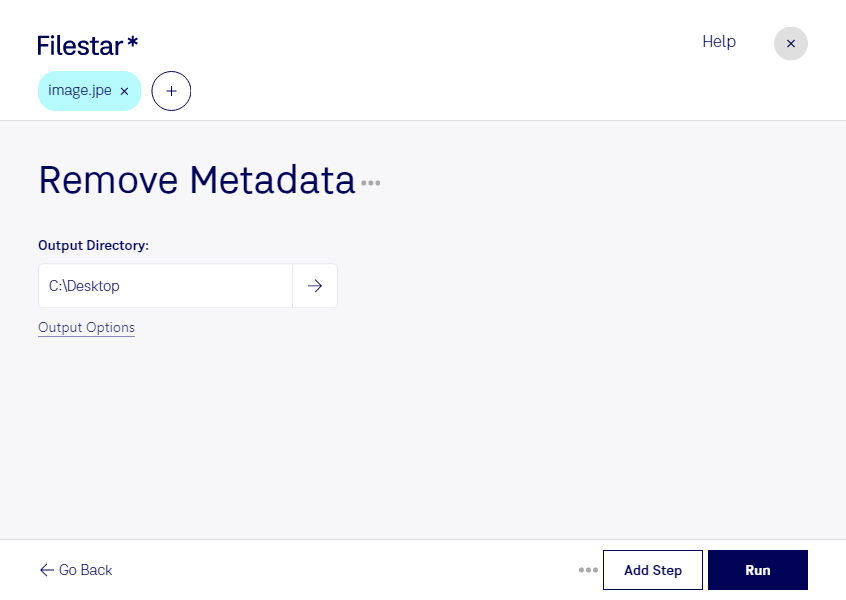
Remove jpe metadata

  1. Download and install the latest version of Filestar.

  2. Right click on one or more Jpe file(s) on your desktop and select Convert with Filestar.

  3. Type remove metadata in the search box.

  4. Press Run.

Or let an AI agent do it: filestarcli -i photo.jpe -c "remove metadata" (how).

remove jpe metadata

Let your AI agent remove JPE metadata

Claude Code, Codex, Cursor and other agents can do this on your computer with Filestar. Your files stay on your machine.

Install Filestar and add it to your agents:

npm install -g filestar
filestarcli agent install

Then ask your agent:

“Use Filestar to remove JPE metadata in my Downloads folder”

Or run it yourself:

filestarcli -i photo.jpe -c "remove metadata"

Runs on your computer, so your files stay on it. Works on Windows, macOS and Linux. 50 free conversions with the npm install, no account needed.

Can my AI agent remove JPE metadata?

Yes. Install the Filestar CLI with npm install -g filestar and your agent can run filestarcli -i photo.jpe -c "remove metadata" on your computer, so your files stay on it.

Using Filestar With AI Agents · Download SKILL.md

What is .jpe?

Extension
.jpe
Format
Binary
Category
Raster Image
Developer
JPEG
Description
It is a JPEG file extension used by Sony digital cameras to save lower resolution images for sending on email. It is saved side by side with the high-quality JPG file.
MIME Type
image/jpeg

Remove Jpe Metadata Today

Get started within minutes

Are you a photographer or graphic designer looking to remove metadata from your JPE image files? Filestar's desktop software allows for efficient and secure bulk processing of your files without compromising their quality.

With Filestar, you can easily remove metadata from your JPE images and ensure that your personal information, such as camera details and location, is not exposed. This is especially important if you're sharing your images online or with clients.

Our software also allows you to perform batch operations, saving you time and effort. You can convert multiple JPE files to other formats or resize them all at once. And with Filestar running locally on your computer, you don't have to worry about slow internet speeds or the security risks of cloud-based processing.

Whether you're a professional photographer, graphic designer, or simply someone who wants to keep their personal information private, Filestar's JPE metadata removal feature is a valuable tool. Try it out today and see how easy and efficient it is to process your image files securely on your own computer.