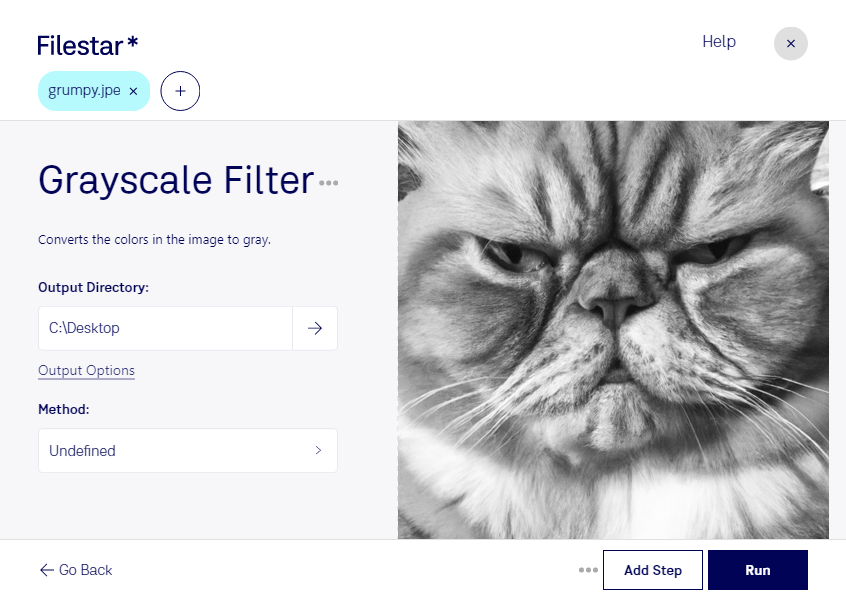
Grayscale JPE Filter:
Filestar's Grayscale JPE filter is a powerful tool for bulk converting JPE images to grayscale. With this feature, you can quickly and easily transform your JPE images into black and white, making them ideal for printing, publishing, or other professional uses.
One of the key benefits of using Filestar's Grayscale JPE filter is that it allows you to perform batch operations on multiple images at once. This means you can convert entire folders of JPE images to grayscale with just a few clicks, saving you time and effort.
Filestar is a desktop application that runs locally on your Windows or OSX computer. This means you don't need an internet connection to use it, and all your files are processed safely and securely on your own machine.
Grayscale JPE filter is particularly useful for professionals working in fields such as photography, graphic design, and publishing. For example, photographers can use the filter to convert their color images to black and white, creating a classic, timeless look. Graphic designers can use the filter to create high-contrast images that stand out, while publishers can use it to create compelling black and white layouts for books, magazines, and other print materials.
In summary, Filestar's Grayscale JPE filter is a powerful tool for bulk converting JPE images to grayscale. It's perfect for professionals looking to create high-quality black and white images for a variety of uses. And because Filestar runs locally on your computer, you can be sure that your files are processed safely and securely.