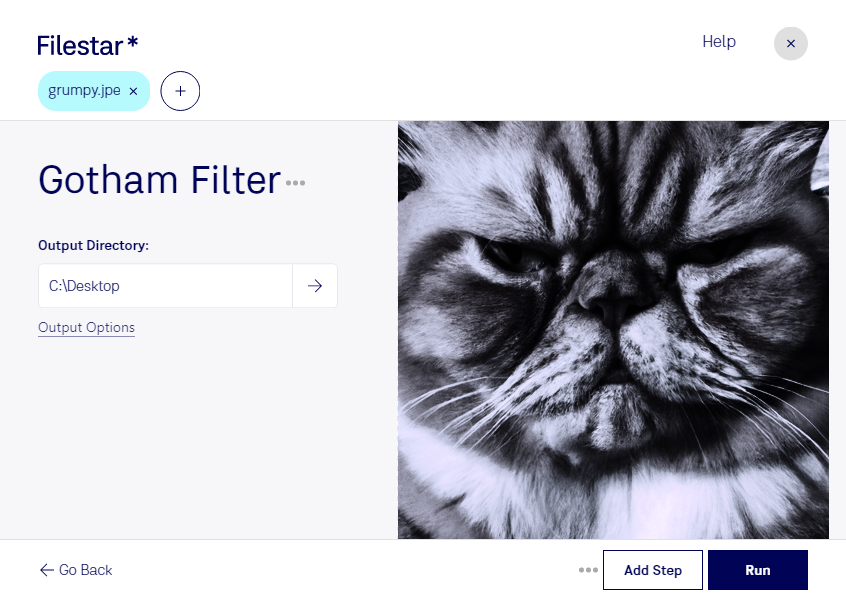
Gotham JPE Filter: Convert and Process JPE Images with Ease
Gotham JPE Filter is a powerful tool within the Filestar software suite that allows for bulk conversion and processing of JPE images. With Gotham JPE Filter, you can easily convert your JPE images to various formats such as PNG, TIFF, and JPEG, and perform operations such as resizing, cropping, and color correction.
One of the biggest advantages of using Gotham JPE Filter is the ability to perform bulk conversions and operations. Instead of manually converting and processing each image one by one, Gotham JPE Filter allows you to select multiple images and perform the same operation on all of them simultaneously. This feature is especially useful for photographers and graphic designers who work with large quantities of images.
Filestar runs locally on both Windows and OSX, ensuring safe and professional conversions for all users. By converting and processing your images locally on your computer, you can avoid the risks associated with cloud-based solutions such as data breaches and security vulnerabilities.
Gotham JPE Filter is a must-have tool for professionals who work with JPE images. Photographers can use Gotham JPE Filter to quickly convert and process their images for use in various projects, while graphic designers can use the tool to ensure that their images are optimized for web and print. Whether you're a professional or an amateur, Gotham JPE Filter can help you take your image processing to the next level.
In conclusion, Gotham JPE Filter is a powerful tool for anyone who works with JPE images. With its bulk conversion and processing capabilities, professional users can save time and increase their productivity, while amateur users can easily convert and process their images with ease. Try Gotham JPE Filter today and take your image processing to the next level.