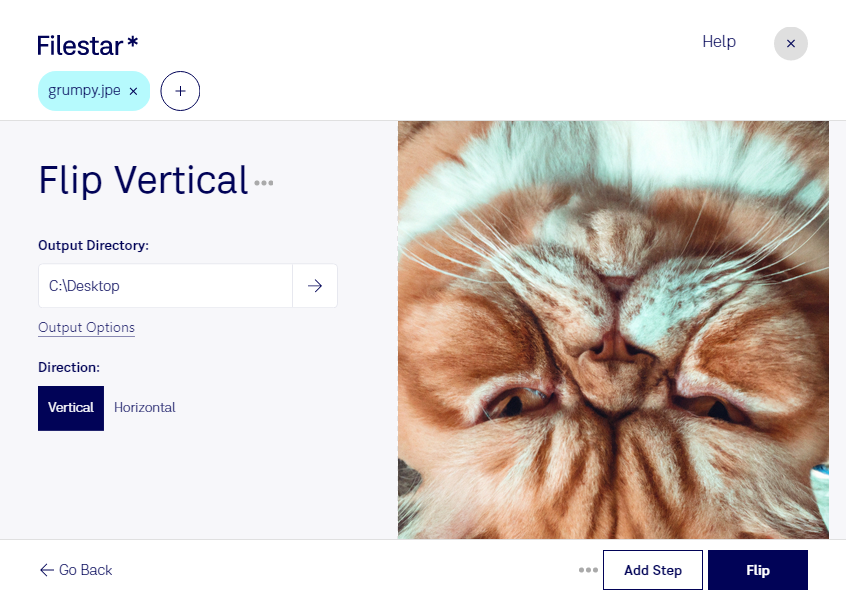
Are you a professional who needs to process a large number of JPE images? Look no further than Filestar's 'Flip JPE Vertical' feature. With our software, you can easily flip your JPE images vertically in bulk, saving you time and effort.
Filestar is a powerful file conversion and processing software that runs locally on your Windows or OSX computer. This means that you can convert and process your files without having to worry about internet connection or security risks associated with cloud-based solutions.
With Filestar, you can perform bulk conversions and operations, making it the perfect tool for professionals who need to process large amounts of files quickly and efficiently. Our 'Flip JPE Vertical' feature is just one of the many tools available to help you streamline your workflow and increase productivity.
So, who might benefit from using 'Flip JPE Vertical'? Photographers, graphic designers, and anyone who works with JPE images on a regular basis can benefit from this feature. For example, a photographer who needs to flip a large number of JPE images to create a photo album can use our software to do so quickly and easily.
In conclusion, if you're looking for a reliable and efficient way to flip JPE images vertically in bulk, look no further than Filestar. Our software is designed to help professionals like you streamline their workflow and increase productivity. Get in touch with us today to learn more about our software and how it can benefit you.