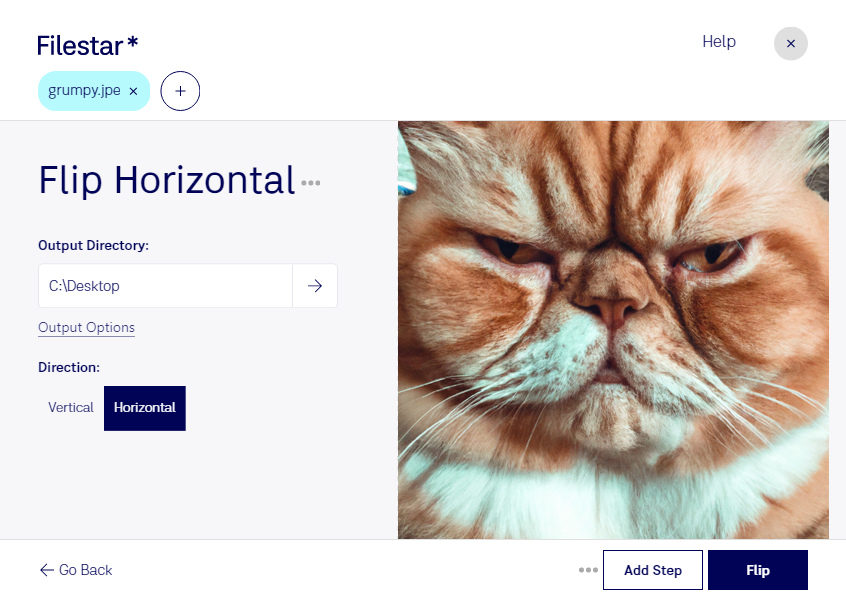
Are you a professional in the photography or graphic design industry? Do you often find yourself needing to flip JPE images horizontally? Filestar's Flip JPE Horizontal feature is the perfect tool for you.
With Filestar, you can easily flip JPE images horizontally in bulk. Our software runs locally on your computer, ensuring that your files are processed safely and securely. No need to worry about uploading your sensitive files to the cloud.
Filestar's bulk conversion/operation capabilities allow you to save time and increase efficiency. You can easily convert multiple JPE images to the desired orientation with just a few clicks.
Our software is available for both Windows and OSX, making it accessible to a wide range of professionals. Whether you're working on a PC or a Mac, Filestar has got you covered.
In addition to Flip JPE Horizontal, Filestar offers a wide range of other features for processing and converting files. Our software supports over 1000 file types, allowing you to work with virtually any type of file.
Don't waste any more time flipping JPE images one by one. Try Filestar's Flip JPE Horizontal feature today and see how it can streamline your workflow. Get in touch with us to learn more or download our software now.