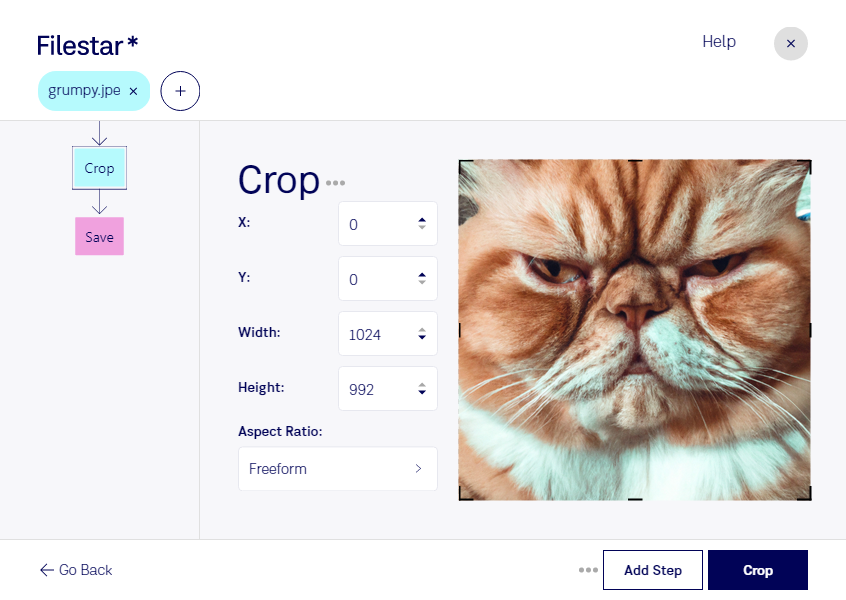
Crop JPE Images with Ease
Filestar's batch processing software allows for quick and easy cropping of JPE images. Whether you are a professional photographer or a graphic designer, our software is designed to make your workflow more efficient. With the ability to crop multiple images at once, you can save time and focus on other important tasks.
One of the benefits of using Filestar's software is that it runs locally on your computer. This means that you don't have to worry about your files being processed in the cloud, which can be a security concern for some users. By processing your files locally, you have complete control over your data and can rest assured that your files are safe.
In addition to cropping, our software allows for bulk conversion and other operations. This makes it easy to convert multiple JPE images to other file formats or perform other tasks such as resizing, renaming, and more. With Filestar, you have the flexibility to customize your workflow to meet your specific needs.
Whether you are a professional photographer, graphic designer, or simply someone who needs to crop and convert JPE images on a regular basis, Filestar's software is the perfect solution. Available for both Windows and OSX, our software is easy to use and designed to make your workflow more efficient.
Don't waste any more time cropping images one by one. Try Filestar's batch processing software today and see the difference it can make in your workflow.