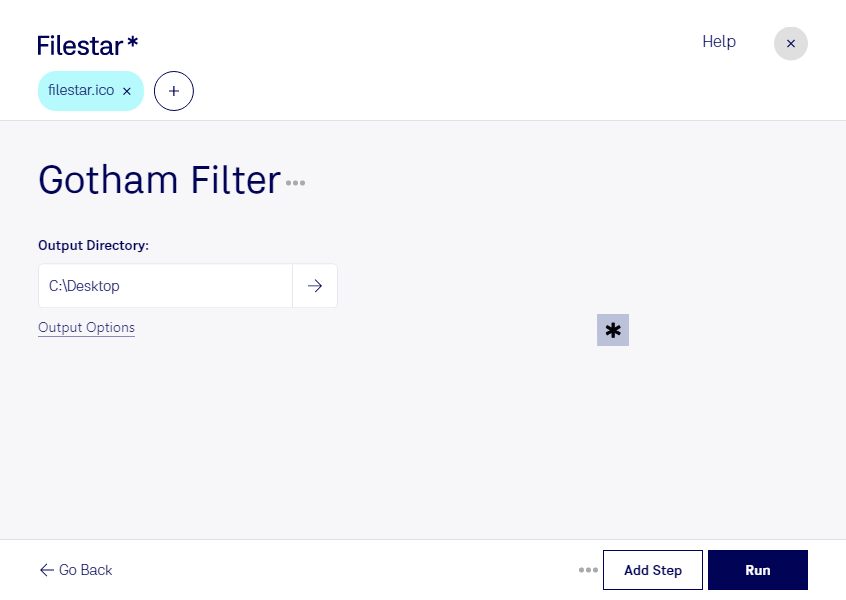
Are you a professional in need of a reliable and efficient solution for converting and processing ICO files? Look no further than Gotham ICO Filter by Filestar. Our software allows you to quickly and easily convert your ICO files to a variety of other file formats, as well as perform batch operations on large numbers of files at once.
With Gotham ICO Filter, you can rest assured that your files are being processed locally on your computer, rather than in the cloud. This means that your data is kept safe and secure, without any risk of it being compromised by online threats.
Whether you're a graphic designer, web developer, or IT professional, Gotham ICO Filter is the perfect tool for streamlining your workflow and increasing your productivity. And with support for both Windows and OSX, you can use our software no matter what operating system you prefer.
So why wait? Try Gotham ICO Filter today and experience the power and convenience of local file conversion and processing. Contact us to learn more or to get started with your free trial.