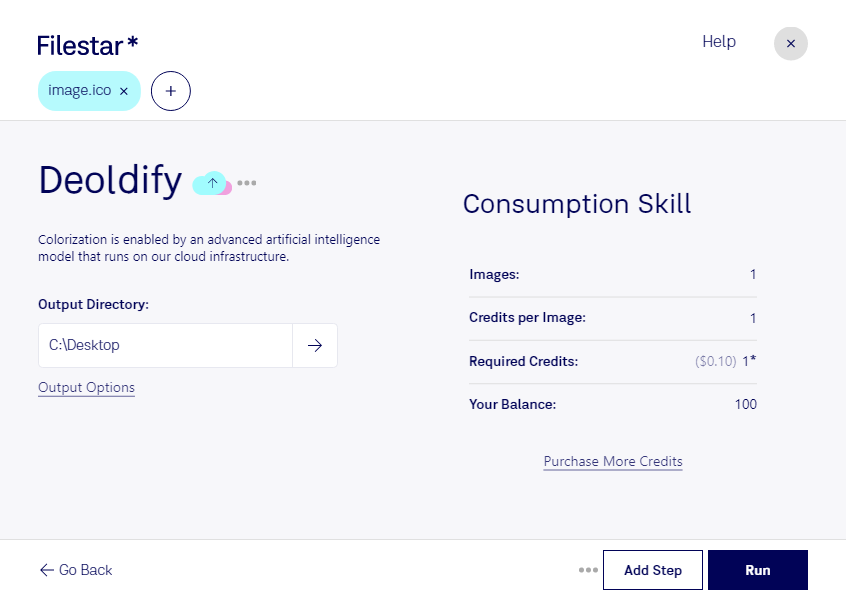
Deoldify ico

  1. Download and install the latest version of Filestar.

  2. Right click on one or more Ico file(s) on your desktop and select Convert with Filestar.

  3. Type deoldify in the search box.

  4. Press Run.

Or let an AI agent do it: filestarcli -i photo.ico -c "deoldify" (how).

deoldify ico

Let your AI agent deoldify ICO

Claude Code, Codex, Cursor and other agents can do this on your computer with Filestar. Your files stay on your machine.

Install Filestar and add it to your agents:

npm install -g filestar
filestarcli agent install

Then ask your agent:

“Use Filestar to deoldify ICO in my Downloads folder”

Or run it yourself:

filestarcli -i photo.ico -c "deoldify"

Runs on your computer, so your files stay on it. Works on Windows, macOS and Linux. 50 free conversions with the npm install, no account needed.

Can my AI agent deoldify ICO?

Yes. Install the Filestar CLI with npm install -g filestar and your agent can run filestarcli -i photo.ico -c "deoldify" on your computer, so your files stay on it.

Using Filestar With AI Agents · Download SKILL.md

What is .ico?

Extension
.ico
Format
Binary
Category
Raster Image
Developer
Microsoft
Description
An ICO file is an image format used to store icons for Windows programs, files, and folders. It contains two bitmaps: 1) the AND bitmap - the image mask (which determines what part of the icon is transparent) and 2) the XOR bitmap - contains the icon which is mapped onto the image mask. ICO files can be modified to create custom icons.
MIME Type
image/x-icon

Deoldify Ico Today

Get started within minutes

Deoldify ICO is a must-have tool for professionals who work with Windows Icon Files. This powerful software allows for bulk conversion and operations, making it easy to process large numbers of icons quickly and efficiently.

One of the key benefits of Deoldify ICO is that it runs on both Windows and OSX, making it a versatile tool for professionals across industries. Whether you're a graphic designer, web developer, or app creator, this software can help you convert and enhance your Windows Icon Files with ease.

For example, graphic designers can use Deoldify ICO to quickly convert a large number of icon files into different formats, while web developers can use it to optimize their website's icon files for faster loading times. App creators can also benefit from Deoldify ICO by using it to enhance their app's icon files for a more professional look and feel.

Another advantage of using Deoldify ICO is that it allows you to process your files locally on your computer, rather than in the cloud. This means that your files are more secure and you have more control over the conversion and processing process.

In conclusion, if you're looking for a powerful and versatile tool to help you convert and enhance your Windows Icon Files, Deoldify ICO is the perfect solution. With its bulk conversion capabilities, cross-platform compatibility, and local processing, it's a must-have tool for professionals across industries. Get in touch with us today to learn more about Deoldify ICO and how it can help you streamline your workflow.