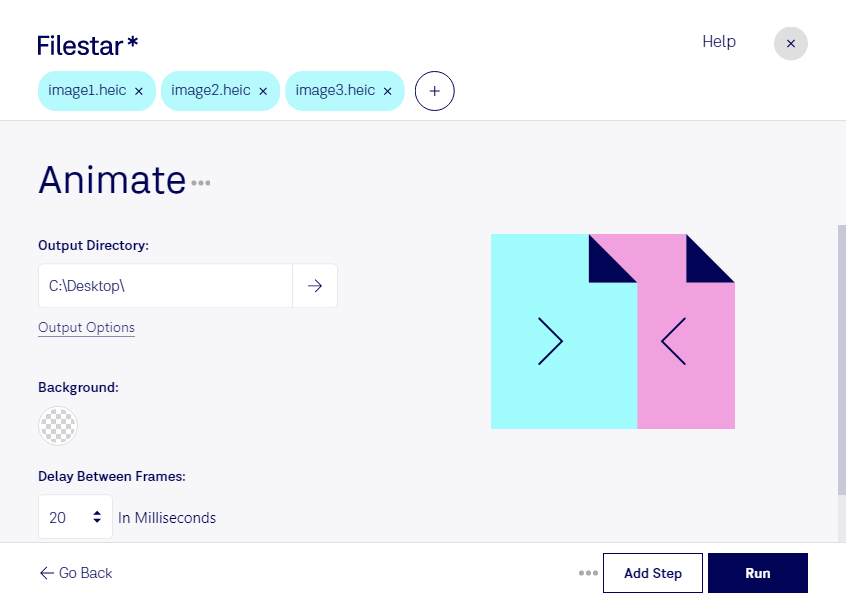
Animate heic

  1. Download and install the latest version of Filestar.

  2. Right click on one or more Heic file(s) on your desktop and select Convert with Filestar.

  3. Type animate in the search box.

  4. Press Run.

Or let an AI agent do it: filestarcli -i photo.heic -c "animate" (how).

animate heic

Let your AI agent animate HEIC

Claude Code, Codex, Cursor and other agents can do this on your computer with Filestar. Your files stay on your machine.

Install Filestar and add it to your agents:

npm install -g filestar
filestarcli agent install

Then ask your agent:

“Use Filestar to animate HEIC in my Downloads folder”

Or run it yourself:

filestarcli -i photo.heic -c "animate"

Runs on your computer, so your files stay on it. Works on Windows, macOS and Linux. 50 free conversions with the npm install, no account needed.

Can my AI agent animate HEIC?

Yes. Install the Filestar CLI with npm install -g filestar and your agent can run filestarcli -i photo.heic -c "animate" on your computer, so your files stay on it.

Using Filestar With AI Agents · Download SKILL.md

What is .heic?

Extension
.heic
Format
Binary
Category
Raster Image
Developer
Moving Picture Experts Group
Description
An image file format mainly used in storing cell phone photos and they are saved in the High Efficiency Image Format (HEIF). They store one or more images and the metadata description for each image. Also known as .heif files
MIME Type
image/heic

Animate Heic Today

Get started within minutes

Are you looking for a reliable software to convert and animate HEIC files? Filestar has got you covered. Our software allows for bulk conversion and operations, making it easy to handle large batches of files at once. Plus, you can rest assured that your data is safe as all processing is done locally on your computer.

Filestar runs on both Windows and OSX, so no matter what operating system you use, you can take advantage of our software's capabilities. But who might find animate HEIC useful? Professionals in various industries, such as graphic design, photography, and marketing, can benefit from the ability to animate HEIC files. For example, if you're a graphic designer, you can use Filestar to create animated banners or social media posts. Photographers can add motion to their images, while marketers can create eye-catching ads.

One of the benefits of using Filestar is that all conversions and processing are done locally on your computer. This means that you don't have to worry about your data being stored in the cloud or being accessed by unauthorized parties. You can trust that your data is safe and secure.

In conclusion, Filestar is the perfect solution for anyone looking to convert and animate HEIC files. With its bulk conversion feature, cross-platform compatibility, and local processing capabilities, it's the ideal software for professionals in various industries. Try it out today and take your file conversion and processing to the next level.