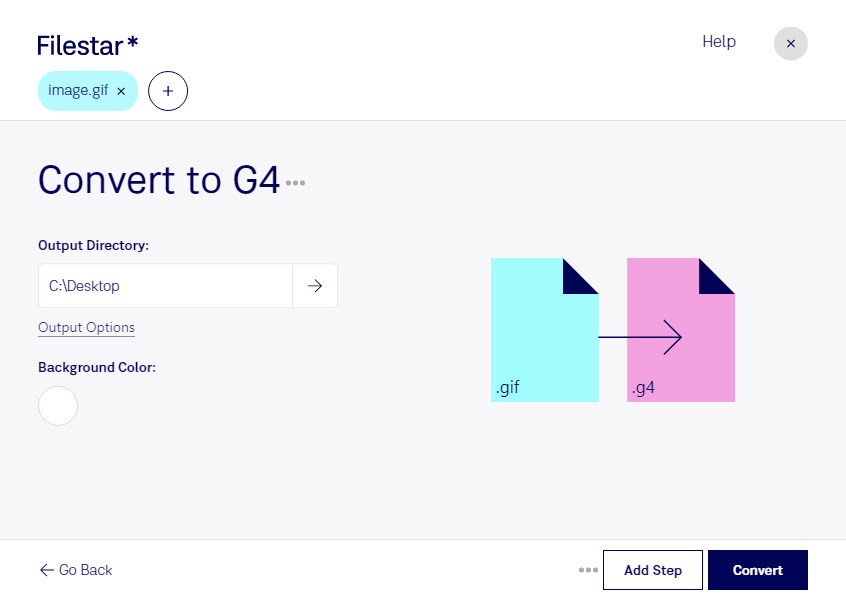
Are you a professional in need of high-quality raster image files? Look no further than Filestar's GIF to G4 converter. Our software allows for bulk/batch conversion/operations, so you can quickly and easily convert all your GIF files to G4 format.
With Filestar, you don't have to worry about the security of your files. Our software runs locally on your computer, meaning that your files are never uploaded to the cloud. This makes the conversion process more safe and secure than using an online converter.
Our software is compatible with both Windows and OSX, so no matter which operating system you use, you can trust Filestar to get the job done. Whether you're a graphic designer, photographer, or work in any other profession that requires high-quality raster image files, our GIF to G4 converter is the perfect tool for you.
Converting GIF to G4 has never been easier or more convenient. With Filestar, you can quickly and easily convert all your files in just a few clicks. Say goodbye to the hassle of manual conversion and let Filestar do the work for you. Try our GIF to G4 converter today and see how it can help improve your workflow.