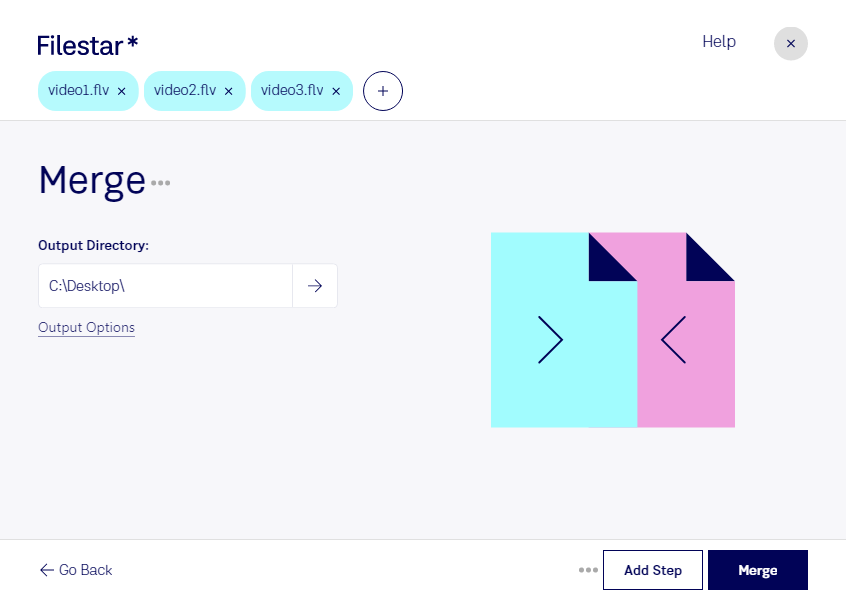
Are you looking for a way to merge FLV files quickly and easily? Filestar is the perfect solution for you. Our software allows for bulk processing of video files, including the ability to merge multiple FLV files into one cohesive video.
Whether you're a professional video editor or a casual user, Filestar's merge FLV feature is a valuable tool to have at your disposal. For example, if you're a content creator on YouTube, you may need to merge multiple FLV files to create a longer video or a compilation of your best clips. Or, if you're a videographer, you may need to merge footage from multiple cameras to create a seamless final product.
One of the benefits of using Filestar is that it runs locally on your computer, which means that your files are processed and converted locally as well. This is more secure than using an online converter because you don't have to worry about your files being uploaded to the cloud and potentially being accessed by unauthorized individuals. Plus, you don't need to have an internet connection to use Filestar, which means that you can work offline and on-the-go.
Filestar is available for both Windows and OSX, so no matter what operating system you use, you can take advantage of our merge FLV feature. And with our bulk processing capabilities, you can merge multiple FLV files at once, saving you time and effort.
In conclusion, if you're looking for a fast and easy way to merge FLV files, Filestar is the perfect solution for you. With our local processing capabilities, bulk processing options, and cross-platform compatibility, you can merge your video files quickly and easily, all while keeping your files secure on your computer. Contact us today to learn more about how Filestar can help you with your video processing needs.