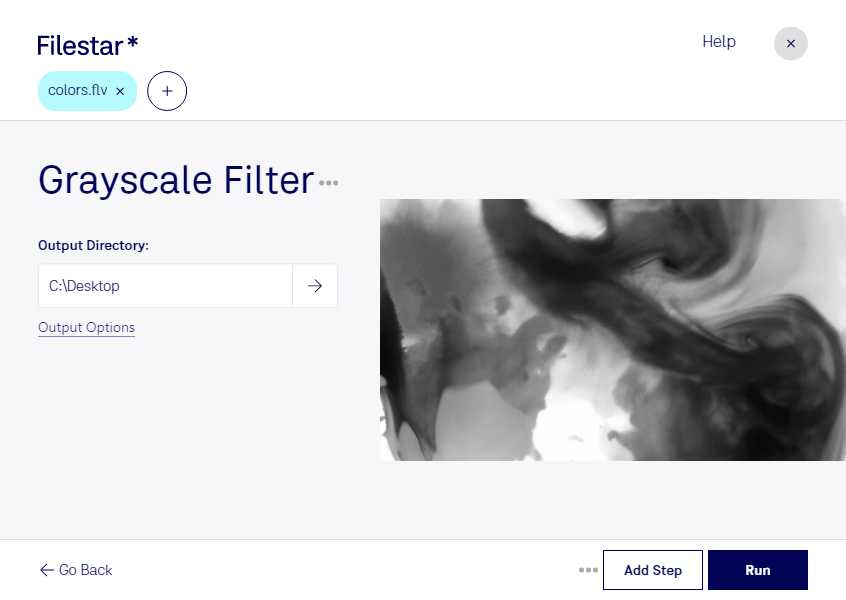
Grayscale flv filter

  1. Download and install the latest version of Filestar.

  2. Right click on one or more Flv file(s) on your desktop and select Convert with Filestar.

  3. Type grayscale filter in the search box.

  4. Press Run.

Or let an AI agent do it: filestarcli -i file.flv -c "grayscale filter" (how).

grayscale flv filter

Let your AI agent grayscale FLV filter

Claude Code, Codex, Cursor and other agents can do this on your computer with Filestar. Your files stay on your machine.

Install Filestar and add it to your agents:

npm install -g filestar
filestarcli agent install

Then ask your agent:

“Use Filestar to grayscale FLV filter in my Downloads folder”

Or run it yourself:

filestarcli -i file.flv -c "grayscale filter"

Runs on your computer, so your files stay on it. Works on Windows, macOS and Linux. 50 free conversions with the npm install, no account needed.

Can my AI agent grayscale FLV filter?

Yes. Install the Filestar CLI with npm install -g filestar and your agent can run filestarcli -i file.flv -c "grayscale filter" on your computer, so your files stay on it.

Using Filestar With AI Agents · Download SKILL.md

What is .flv?

Extension
.flv
Format
Binary
Category
Video
Developer
Adobe Systems
Description
An FLV file is a flash-compatible video file exported by the Flash Video Exporter plug-in (included with Adobe Animate) or other program with FLV file support. It consists of a short header, interleaved audio, video, and metadata packets. The file stores audio and video data in a similar format used by standard Flash (.SWF) files.
MIME Type
video/x-flv

Grayscale Flv Filter Today

Get started within minutes

Are you looking for a way to convert your FLV videos to grayscale? Look no further than Filestar's Grayscale FLV Filter. Our software allows for bulk/batch conversion/operations, making it easy to process multiple videos at once. And with Filestar running on both Windows and OSX, you can use it no matter what operating system you prefer.

But who might find the Grayscale FLV Filter useful? Professionals in a variety of industries could benefit from this filter. For example, a filmmaker might want to create a black and white version of their FLV video for a classic, vintage feel. Or a marketer might want to create a grayscale version of a video for a more serious, professional tone. Whatever your reason for wanting to convert your FLV videos to grayscale, Filestar's Grayscale FLV Filter makes it easy.

And with Filestar, you can feel confident that your files are safe. Unlike cloud-based converters, which can be vulnerable to hacking and data breaches, Filestar processes everything locally on your computer. This means that your files never leave your device, giving you peace of mind that your data is secure.

So why wait? Try Filestar's Grayscale FLV Filter today and start converting your FLV videos to grayscale with ease.