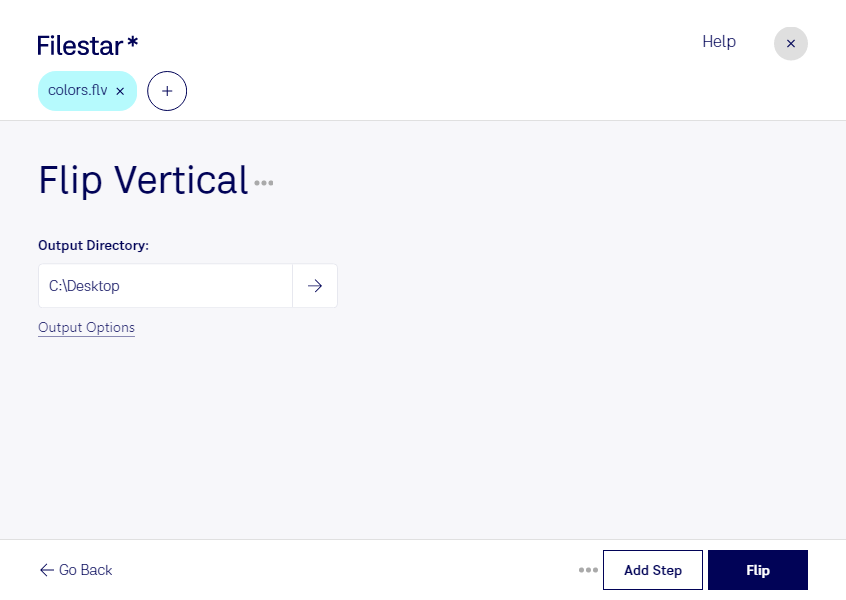
Are you looking for a way to convert your FLV videos to a vertical orientation? Look no further than Flip FLV Vertical, a feature of Filestar's file conversion software. With this tool, you can easily convert your FLV videos to a vertical orientation, making them perfect for social media posts.
One of the best things about Filestar is that it allows for bulk/batch conversion/operations, meaning you can convert multiple files at once. This is ideal for professionals who need to convert large numbers of files quickly and efficiently.
Filestar runs on both Windows and OSX, making it accessible to a wide range of users. Whether you're a designer, marketer, or content creator, Flip FLV Vertical can help you create engaging, vertical videos that will stand out on social media.
When it comes to file conversion and processing, many people turn to cloud-based solutions. However, converting and processing files locally on your own computer is much safer. With Filestar, you can rest assured that your files are secure and protected, as you are not relying on an internet connection or third-party servers.
Try Flip FLV Vertical today and see how easy it is to convert your FLV videos to a vertical orientation. With Filestar, you can trust that your files are in good hands. Get in touch with us to learn more about our software and how it can benefit your business.