Compress FLV
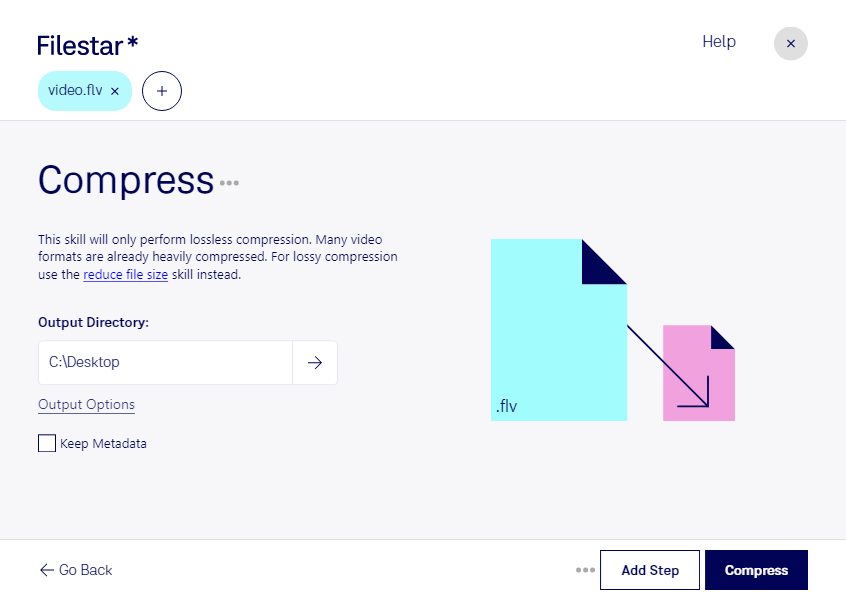
Filestar's file conversion and processing software allows you to compress FLV files with ease. FLV is a popular video file format used by professionals in various industries, such as media and entertainment, advertising, and e-learning. By compressing FLV files, you can reduce their size without sacrificing quality, making them easier to share and store.
One of the benefits of using Filestar's software is the ability to perform bulk or batch operations. This feature saves you time and effort, especially if you have multiple FLV files that need to be compressed. With just a few clicks, you can convert an entire folder of FLV files to a compressed format.
Another advantage of using Filestar is that it runs on both Windows and OSX. You don't have to worry about compatibility issues or switching between different software programs. Whether you're using a PC or a Mac, Filestar has got you covered.
Professionals in various fields can benefit from compressing FLV files. For example, media and entertainment companies can use compressed FLV files for streaming videos online. Advertisers can use compressed FLV files for digital marketing campaigns, while e-learning professionals can use them for creating online courses.
Finally, converting and processing files locally on your computer is more secure than using cloud-based services. With Filestar, you don't have to worry about your sensitive data being compromised or stolen. You have full control over your files and can ensure that they are processed securely.
In conclusion, if you want to compress FLV files quickly and securely, Filestar's software is the way to go. With its bulk operations and cross-platform compatibility, you can streamline your workflow and save time. Try it out today and see for yourself how easy it is to compress FLV files with Filestar.