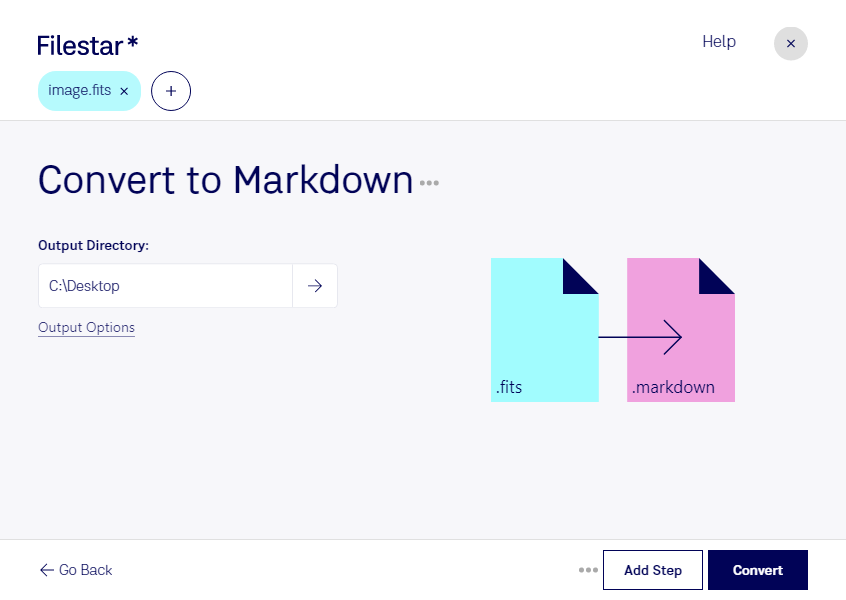
- Extension
- .fits
- .markdown
- Format
- Binary
- Text
- Category
- Raster Image
- Developer
- Developer
- IAU FITS Working Group
- John Gruber
- Description
- The Flexible Image Transport System (FITS) file format is a digital file format used primarily in astronomy for storing, transmitting, and analyzing scientific images and data. Developed in the late 1970s, FITS was designed to provide a standard for the interchange of astronomical data, facilitating the sharing and analysis of data among astronomers and researchers worldwide.
- An MD file is a text file created using one of several possible dialects of the Markdown language. It is saved in plain text format but includes inline text symbols that define how to format the text (e.g., bold, indentations, headers, table formatting). MD files are designed for authoring plain text documentation that can be easily converted to HTML.
- MIME Type
- image/fits
- text/x-markdown