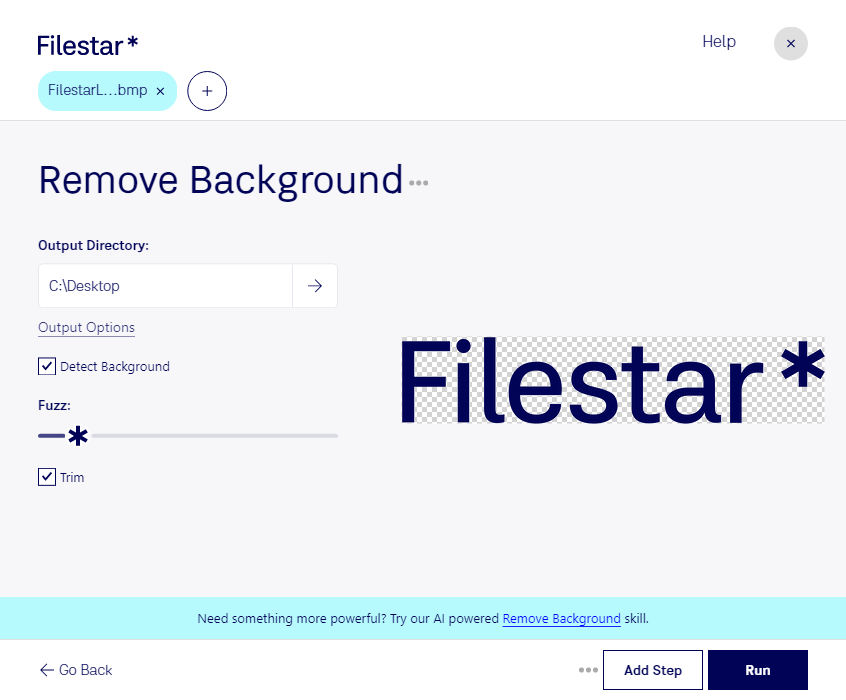
Are you tired of manually removing the background from your BMP images? Look no further than Filestar's file conversion software. With our bulk/batch processing feature, you can quickly and efficiently remove the background from multiple BMP files at once.
Our software runs on both Windows and OSX, so no matter what operating system you're using, you can take advantage of our powerful conversion tools.
Professionals in fields such as graphic design, photography, and marketing can benefit greatly from our remove bmp background feature. For example, a graphic designer may need to remove the background from a BMP image to create a transparent logo for a client's website. A photographer may need to remove the background from a BMP image to create a more professional-looking product photo. And a marketer may need to remove the background from a BMP image to create eye-catching social media graphics.
But why choose to convert and process your files locally on your computer instead of in the cloud? Simple - it's more secure. When you upload your files to an online converter, you run the risk of your files being intercepted or stolen during the transfer. With Filestar, you can convert and process your files right on your own computer, keeping them safe and secure.
So why wait? Try out Filestar's remove bmp background feature today and see how easy and efficient file conversion can be. Get in touch with us to learn more!