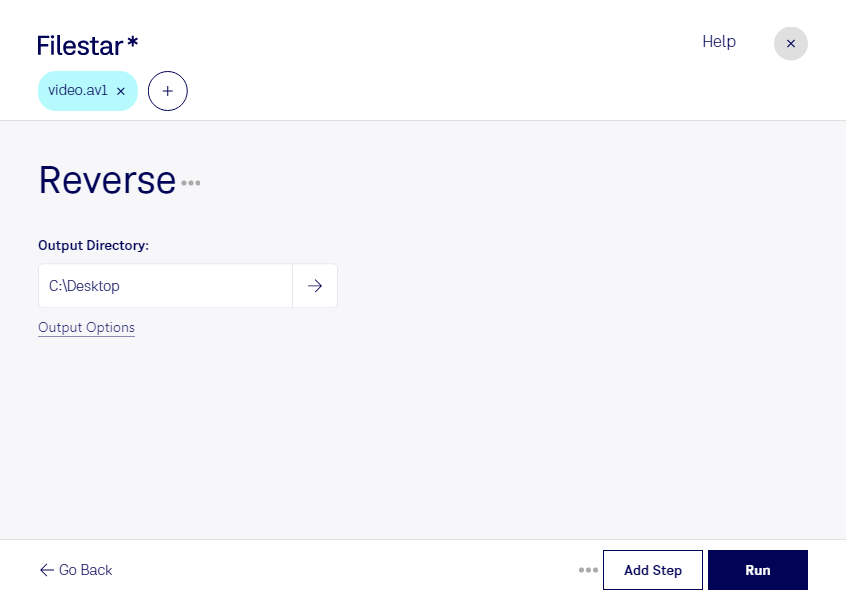
Reverse AV1 with Filestar and enjoy the benefits of bulk conversion and processing locally on your computer. As a professional content creator, you know the importance of having the right tools to get the job done efficiently and effectively. With Filestar's reverse AV1 feature, you can easily convert your AV1 video files to a variety of other formats, such as MP4 or MOV, in bulk or one at a time.
Filestar is a desktop application that runs on both Windows and OSX, offering you the flexibility to use the software on your preferred operating system. With its user-friendly interface, you can easily navigate the software and access all the features you need to convert and process your files quickly and easily.
Reverse AV1 is particularly useful for professionals in the video production industry, who need to convert their AV1 video files to formats that are more widely used and compatible with various devices. For example, if you need to share your AV1 video files with clients or colleagues who do not have the necessary software to view the files, you can easily convert them to a more accessible format using Filestar's reverse AV1 feature.
Another advantage of using Filestar for your conversion and processing needs is that you can do it all locally on your computer, without having to rely on the cloud or an internet connection. This means that your files are more secure and less vulnerable to potential security breaches or data loss.
In conclusion, if you're looking for a reliable and efficient way to convert your AV1 video files, look no further than Filestar's reverse AV1 feature. With its bulk conversion capabilities, cross-platform compatibility, and local processing, you can get your work done quickly and safely. Get in touch with us today to learn more about how Filestar can help you streamline your workflow.